EasyManua.ls Logo

SPRT SP-L36 - Printer Configuration Settings Appendix A; General Setting; Language Setting

SPRT SP-L36
19 pages
Print Icon
To Next Page IconTo Next Page
To Previous Page IconTo Previous Page
Loading...
14
MODE
MODE
FEED
FEED
FEED
FEED
FEED
Appendix A
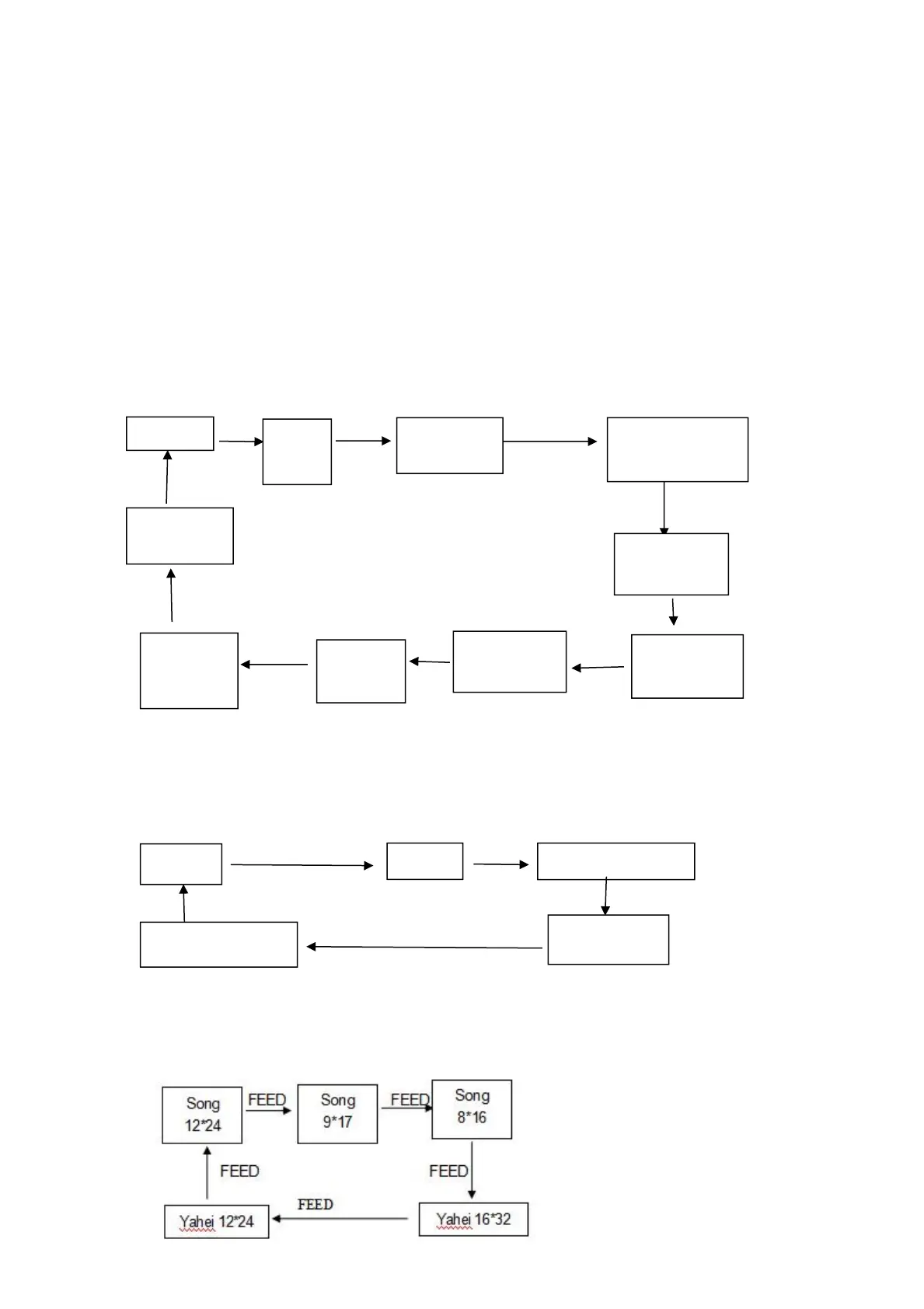
Setting instruction: hit theMODEbutton to choose “set” item; press it once,
the set item will become the next alternative option, and it will print the present
value of the chosen item. Hit theFEEDbutton to set the value needed, when
pressing it once , the value will become the next one in sequence
After setting, hit the
MODE
and
FEED
button together, the current value
will be saved, and printer enters into normal operation status. Or it won’t save
the value.
General Setting:
MODE MODE MODE
MODE
MODE
MODE
MODE MODE MODE MODE
Language Setting:
Font:
58mm
paper type
Printing
Direction
Power
off mode
Front
Density
Paper sensor
sensitivity
80mm
paper type
English
Chines
e
Chinese-BIG5
GB12345
Jap-ShiftJIS
Black Mark
Position
Command
Compatible

Related product manuals