19
APV_DE3_UK-7_082017.indd
UK
Double Seat Valve
DELTA DE3
Instruction manual: UK - rev. 7
APV
12. Service Instructions
12.5. Installation of valve insert
1. Carefully place the valve insert in the valve housing until the screw
stops.
2. Remove the pulling screw and carefully press the valve insert into
the housing.
3. Screw in the screws (7) and tighten them crosswise.
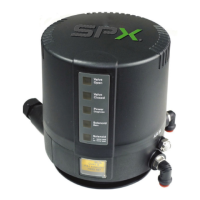
4. CU design: Place the control unit and fasten it.
5. Install the pneumatic air and cleaning lines.
6. Install the valve position indicator.
Release the union nut and slide the proximity switches into the
socket until they stop.
7. Tighten the proximity switches with the nut.



 To Next Page