EasyManua.ls Logo

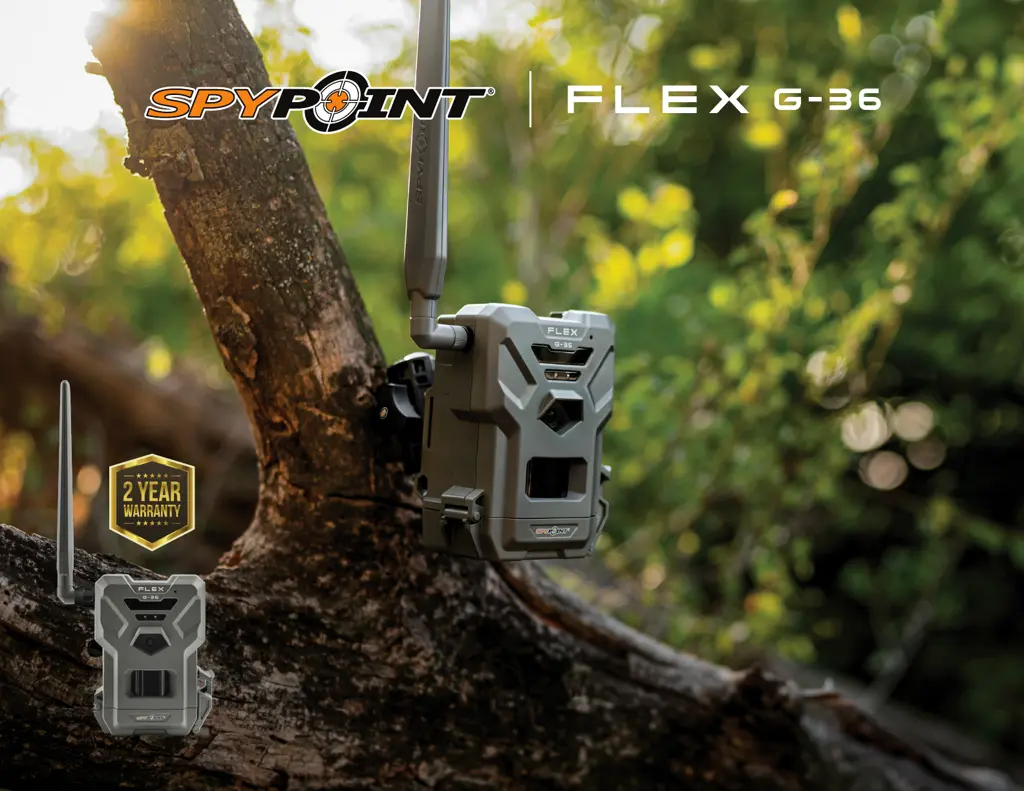
Spypoint FLEX G-36 - User Manual

Spypoint FLEX G-36
24 pages
Print Icon
To Next Page IconTo Next Page
Loading...
v.1.0
USER MANUAL

Questions and Answers

Summary

POWER SUPPLY

CHOOSING A POWER SOURCE

Details the four available power source options for the SPYPOINT FLEX G-36 camera.

FOR BEST RESULTS AND NO LEAKAGE

Provides essential tips for using batteries to ensure optimal performance and prevent issues.

HOW TO INSTALL AA BATTERIES PROPERLY

Step-by-step instructions for correctly inserting AA batteries into the camera's battery compartment.

MANAGING VARIOUS CAMERA POWER SUPPLY

Explains how to check battery levels via the device or mobile application.

MEMORY CARD

INSTALLING A MEMORY CARD

Instructions on inserting a microSD card, including capacity limits and format requirements.

PREPARATION

SCREW IN ANTENNA

Guidance on how to properly install the camera's antenna.

ACTIVATING YOUR CAMERA

Instructions on activating the camera, including finding the activation code.

ACTIVATION

SPYPOINT APP - NEW USERS

Steps for activating the camera using the SPYPOINT mobile application.

INSTALLATION

INSTALLING YOUR CAMERA

Instructions on how to physically mount the camera on a tree for optimal placement.

STARTING YOUR CAMERA

Key checks and steps required before powering on and operating the camera.

STARTING YOUR CAMERA

CONFIGURATION

TRANSFERRING FILES TO A COMPUTER

ON A PC

Step-by-step guide for transferring photos and videos from the camera to a Windows PC.

ON A MAC

Step-by-step guide for transferring photos and videos from the camera to an Apple Mac.

Spypoint FLEX G-36 Specifications

General IconGeneral
Megapixel36MP
Photo TypeColor by day, infrared by night
Video Resolution1080p
Cellular ConnectivityLTE
GPSYes
Battery TypeAA
Detection Range100 ft
Flash Range100 ft
Trigger Speed0.3 s
Memory CardUp to 512GB
Power8 AA batteries
Multi-shotUp to 3 images per detection
Flash TypeLow Glow LED
Dimensions3.5 in

Related product manuals