16
FLEX G-36SPYPOINT
VERIFYING CAMERA STATUS
Dierent tools are available to help you check the status of your
FLEX G-36 and to inform you of any problems that may occur
during its operation. In this section, we will see 3 tools:
NOTIFICATIONS
The camera was designed to send notications to your SPYPOINT app.
This is to help you stay informed of the status of your camera.
You will receive a notication on your smartphone at the next transfer
when a photo/video is received or important notication is sent:
• You forget to insert a microSD card in your camera.
• The inserted microSD card is not compatible with your camera.
• The battery percentage is too low.
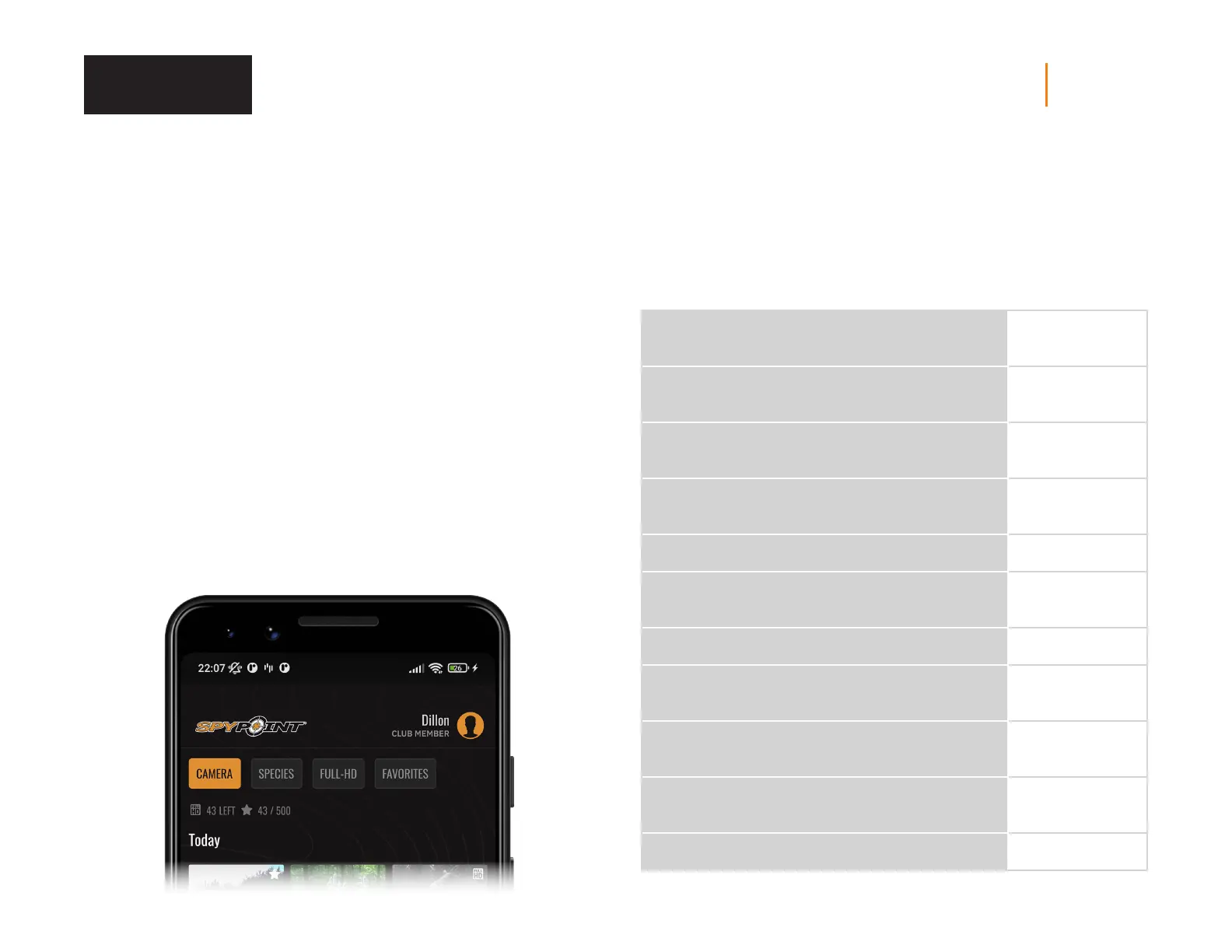
APPLICATION STATUS PAGE
Here are the dierent indicators of the FLEX G-36 status you have access to.
They are accessible on your app or on the SPYPOINT website. What appears in
this page is a reection of the camera at the last communication.
SIGNAL
Strength of the cellular signal
1 - 5 bars
BATTERY
Battery percentage remaining
0 - 100%
(AA/LIT-22/12 V)
MEMORY CARD
Used space
0 - 100%
LAST COMMUNICATION
The date and time of the last device transfer
Date and time
TEMPERATURE
°C or °F
POSITION
GPS
GPS coordinates
MODEL
FLEX G-36
VERSION
Displays the rmware version
VX.XX.XX
LAST INSTALLATION
Last time your camera was turned ON
Date and time
SIM
Number on your SIM card
89……
ACTIVATION CODE
XXXX-XXX-XXXX
Verification















 To Next Page