EasyManua.ls Logo

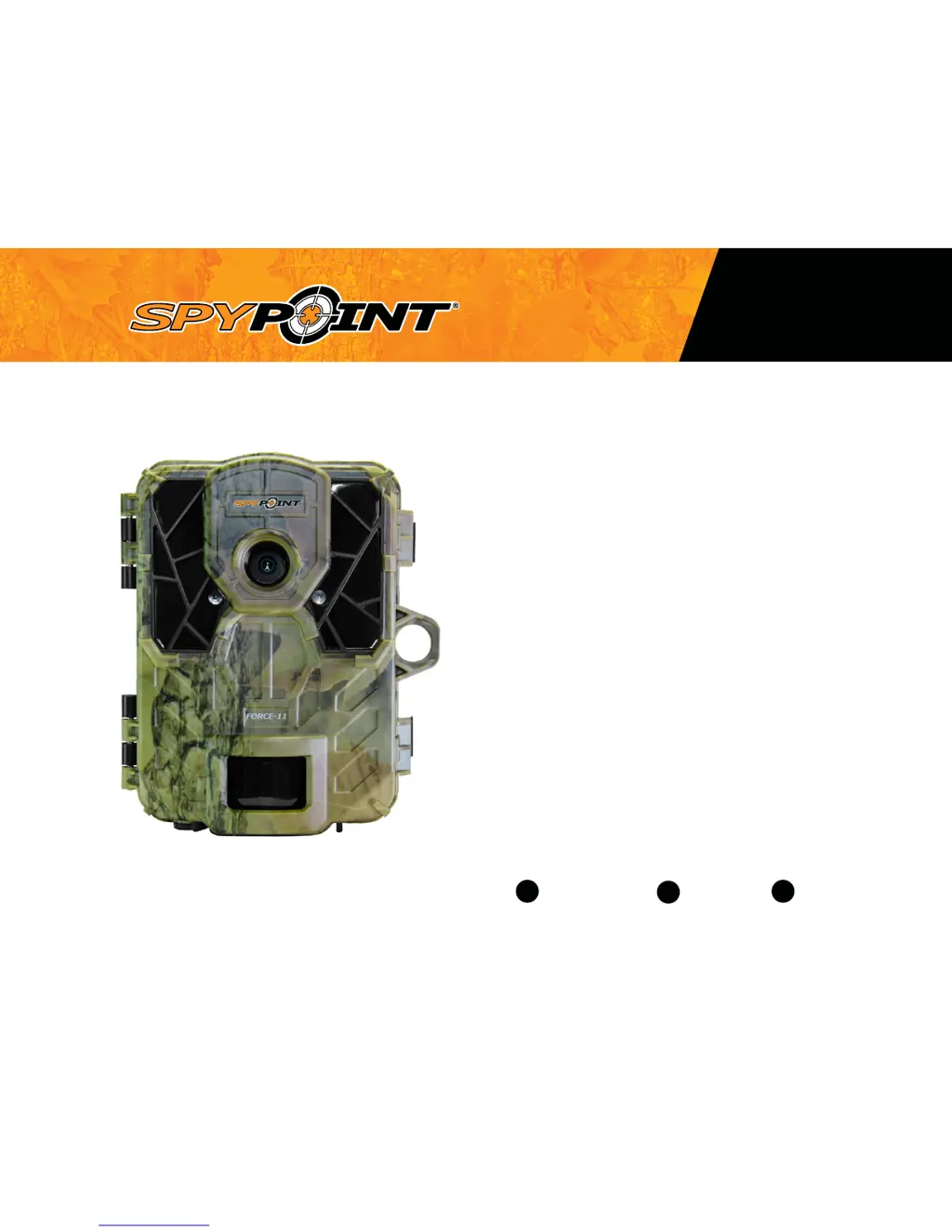
Spypoint FORCE-11 - User Manual

Spypoint FORCE-11
23 pages
Print Icon
To Next Page IconTo Next Page
Loading...
FORCE
v1.0
USER MANUAL
Models:
FORCE-11
FORCE-12
ULTRA COMPACT TRAIL CAMERA
1-888-779-7646support.spypoint.com

tech@spypoint.com

Other manuals for Spypoint FORCE-11

Questions and Answers

  • C
    Catherine MckeeAug 18, 2025
    Why Spypoint Scouting Camera is not taking photos/videos?
    • C
      christine21Aug 18, 2025
      If your Spypoint scouting camera isn't taking photos or videos, check if there are batteries inside. Also, consider replacing the alkaline batteries or recharging the lithium battery pack. Make sure that the camera is turned on.
  • A
    aortizAug 20, 2025
    What to do if Spypoint Scouting Camera displays 'Card error'?
    • S
      Sergio RichardsAug 20, 2025
      If your Spypoint camera shows a 'Card error', turn the camera off and then on again. If the problem persists, remove the memory card and reinsert it. Also, check if the gold contacts are clean. If needed, format the memory card.
  • E
    Evelyn PhillipsAug 23, 2025
    How to fix Spypoint Scouting Camera impossible to turn on?
    • C
      Charles ConleyAug 23, 2025
      If your Spypoint camera won't turn on, first check if batteries are inside and that they are correctly installed. Then, verify if the LIT-09 charger option is set according to your power source. Consider installing the latest update from the Spypoint website. If these steps don't work, replace the alkaline batteries or recharge the lithium battery pack.
  • L
    Leslie MccannAug 26, 2025
    Why is the red light in front of my Spypoint Scouting Camera blinking?
    • J
      jonesdavidAug 26, 2025
      If the red light in front of your Spypoint camera is blinking, it could be set to TEST mode. Alternatively, if it's in PHOTO or VIDEO mode, the red light flashes for 60 seconds to give you time to leave the area before it starts taking pictures or recording.
  • A
    Anthony CochranAug 28, 2025
    What does 'Insert memory card' mean on Spypoint Scouting Camera?
    • A
      acrosbyAug 28, 2025
      The 'Insert memory card' message on your Spypoint camera means that a memory card is required to record photos and videos.
  • B
    Bradley HarrisAug 30, 2025
    What to do if my Spypoint Scouting Camera does not respond?
    • J
      Joseph JacksonAug 31, 2025
      If your Spypoint camera isn't responding, try removing the batteries and then reinstalling them. If that doesn't work, replace the alkaline batteries or recharge the lithium battery pack.
  • V
    vasquezjesseSep 2, 2025
    Why is there no person/animal on Spypoint Scouting Camera photos?
    • J
      Jorge ParkSep 2, 2025
      If your Spypoint scouting camera isn't capturing people or animals in photos, try re-orienting the camera. Reducing the sensibility setting may also help. You could also reduce the sensibility and raise the height of the camera. Moving the camera further back or redirecting it might improve results. Ensure the mounting post or tree is stable.
  • J
    Jesus LongSep 4, 2025
    What to do if Spypoint Scouting Camera beeps?
    • M
      moniquegomezSep 5, 2025
      If your Spypoint camera is beeping, it probably means you need to insert a memory card.
  • J
    Joseph WilcoxSep 7, 2025
    Why does the screen of my Spypoint Scouting Camera turn off?
    • S
      Scott DelgadoSep 7, 2025
      Your Spypoint camera screen might turn off to save battery if it's in PHOTO or VIDEO mode; the screen shuts down after 60 seconds. Also, the camera automatically goes back to PHOTO or VIDEO mode after 2 minutes of inactivity in the main menu. To get the screen back, turn the camera off and on again.
  • B
    boyddavidSep 9, 2025
    What does 'Low battery' mean on my Spypoint Scouting Camera?
    • S
      Steven BeardSep 9, 2025
      If your Spypoint camera indicates 'Low battery', recharge the batteries or put in new ones. Always check the battery level before using the camera.

Spypoint FORCE-11 Specifications

General IconGeneral
Megapixels11MP
Video RecordingYes
Battery LifeUp to 6 months
WaterproofYes
Video Resolution720p HD
StorageSD card (up to 32 GB)
PowerBatteries

Related product manuals