EasyManua.ls Logo

Spypoint FLEX Series - User Manual

Spypoint FLEX Series
27 pages
Print Icon
To Next Page IconTo Next Page
Loading...
USER MANUAL
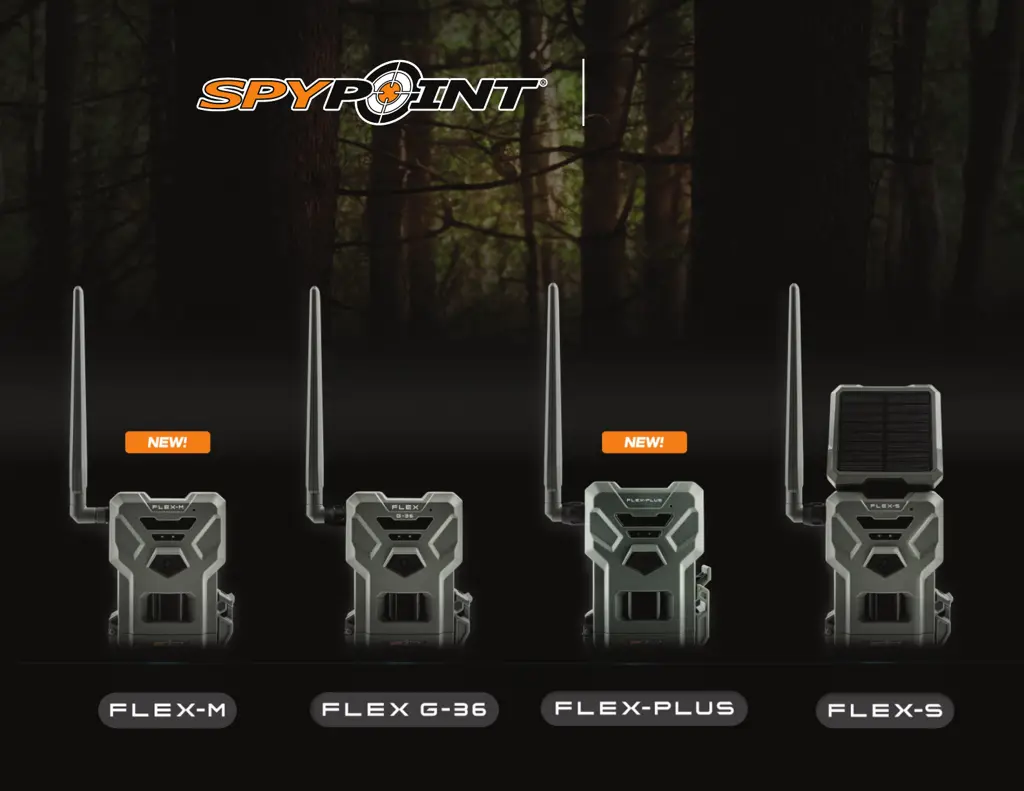
FLEX
SERIES
v.1.0

Other manuals for Spypoint FLEX Series

Questions and Answers

Summary

SPYPOINT FLEX Camera Components

Physical Components Diagram

Diagram illustrating the physical parts of the camera with numbered labels.

SPYPOINT FLEX Camera Component Details

Component Descriptions

Detailed explanation of the function of each numbered component.

SPYPOINT FLEX Series Features

Model Feature Comparison

Comparison of specifications across different FLEX series models.

Powering Your SPYPOINT FLEX Camera

Charging the Internal Battery

Instructions for charging the internal battery before initial use.

SPYPOINT FLEX Power Options

Choosing External Power Sources

Options for powering the camera, including batteries and external sources.

Managing SPYPOINT FLEX Power Sources

Power Source Prioritization

How the camera manages different power sources and their prioritization.

SPYPOINT FLEX Memory Card Usage

Installing a Memory Card

Explanation of the need for a memory card and capacity limits.

SPYPOINT FLEX Memory Card Management

Formatting the Memory Card

Instructions on how to format the microSD card using the camera's FORMAT button.

SPYPOINT FLEX Preparation Steps

Activating Your SPYPOINT FLEX Camera

Overview of the camera activation process requiring an activation code.

Activating Your SPYPOINT FLEX Device

Installing and Starting Your SPYPOINT FLEX Camera

Installing Your Camera

Instructions on how to physically mount the camera to a tree.

Starting Your Camera

Important verifications and steps to power on the camera.

Validating SPYPOINT FLEX Camera Operation

Operational Validation Test

How to perform a test to ensure all camera functions are working correctly.

Configuring Your SPYPOINT FLEX Camera

SPYPOINT FLEX Cellular and Command Settings

Verifying SPYPOINT FLEX Camera Status

Understanding SPYPOINT FLEX Status Lights

Status Light Explanation Guide

Explanation of the different colors and patterns of the status LED and their meanings.

Transferring Files from SPYPOINT FLEX to Computer

Transferring Files Process

Instructions for transferring photos and videos from the camera to a computer.

SPYPOINT FLEX Troubleshooting Guide

General Troubleshooting Steps

General troubleshooting steps for common camera issues.

Camera Not Turning On Solutions

Solutions for when the camera fails to power on.

Poor Service Issue Resolution

Troubleshooting steps for poor cellular service reception.

SPYPOINT FLEX Product Warranty Information

Limited Warranty Details

Details of the 2-year limited warranty for SPYPOINT products.

SPYPOINT FLEX Regulatory Compliance

Spypoint FLEX Series Specifications

General IconGeneral
GPS GeotagYes
Flash TypeLow Glow
ConnectivityLTE
Memory CardMicroSD card
Battery LifeVaries with usage
Water ResistanceWeather-resistant

Related product manuals