12
ENGLISH
TESTING THE CAMERA’S MOTION DETECTION CAPABILITY
The test light blinks when the
camera detects motion. If the
system does not detect motion,
increase the detection sensiti-
vity using the “Sensitivity” option
in the SETTINGS/GENERAL menu.
Adjust the camera’s position as
needed. In the TEST mode, you
can take a photo by pressing
the OK button. The photo will
be saved and displayed in the
VIEWING mode.
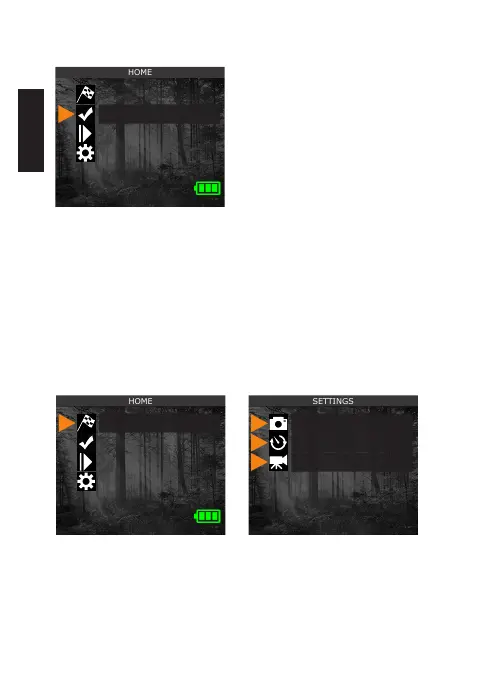
STARTING THE CAMERA
After choosing START CAMERA in the HOME menu, select the
desired operating mode (PHOTO, TIME-LAPSE, or VIDEO) from
the mode menu by pressing OK.
Start camera
Detection Test
View
Settings
Start camera
Detection Test
View
Settings
Photo
Time-lapse
Video















 To Next Page