7
ENGLISH
CONFIGURATION
Use the and buttons to navigate the menus and change
options, the OK button to select and the BACK button to return
to the previous menu.
GENERAL SETTINGS SETUP
1. To turn the camera ON/OFF, press and hold the OK button.
2. Choose the language. By default, the camera menu is in
English. If you want to use another language, after turning
the camera ON, choose SETTINGS, GENERAL, then
LANGUAGE. Choose one of the 3 languages available:
English, Deutsch (German), or Français (French).
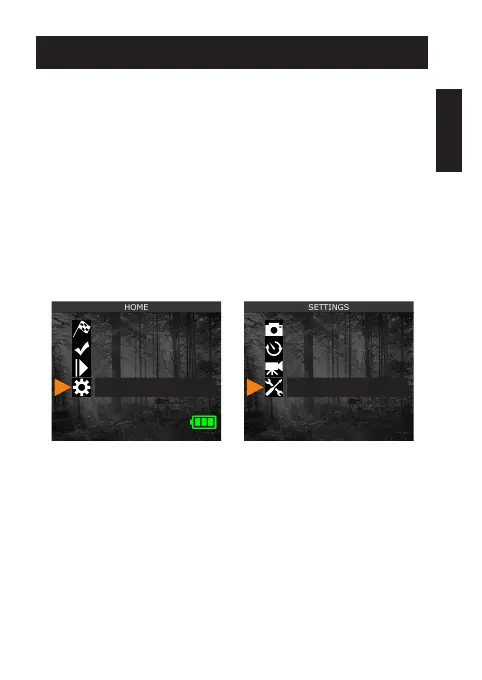
3. From the home menu, select SETTINGS, then GENERAL to
access the general conguration menu:
• Set the Date (MM/DD/YY or DD/MM/YY).
• Set the Time (hour/minute).
• Set the Nighttime (best option for photos).
Start camera
Detection test
View
Settings
Photo
Time-lapse
Video
General















 To Next Page