
 To Next Page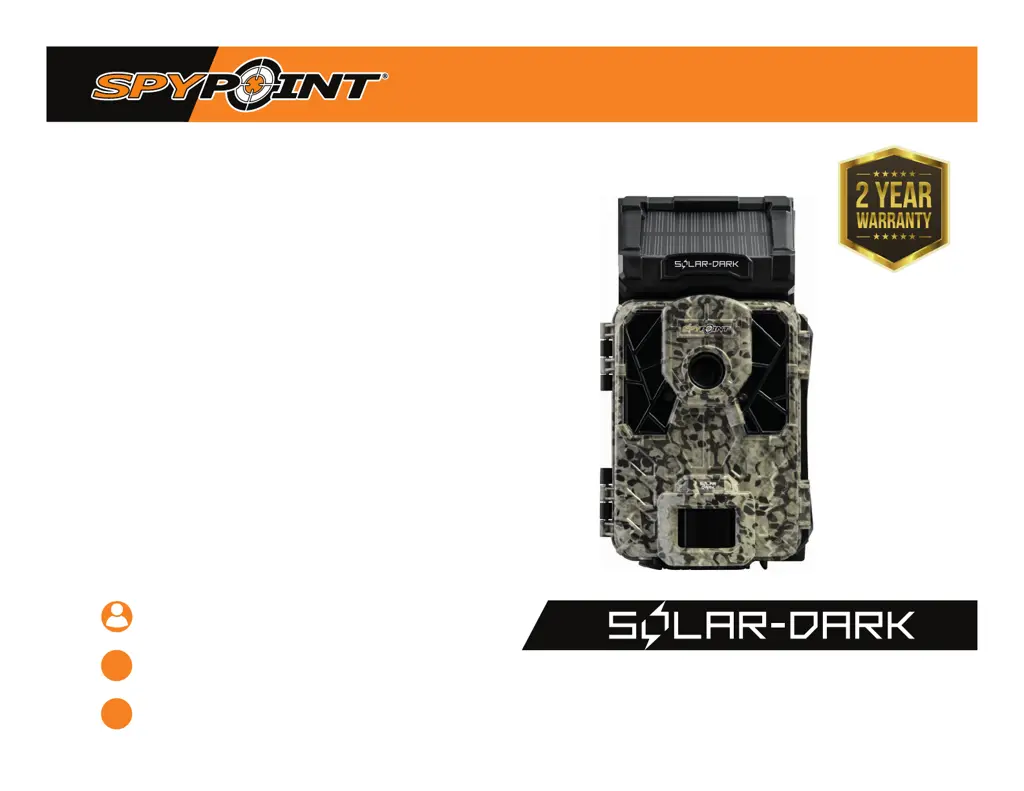

J
James FloresSep 13, 2025
Why does my Spypoint Solar-Dark say 'insert memory card'?
- CChristine AllenSep 13, 2025
The use of a memory card is required to save photos and videos on your Spypoint Scouting Camera.

Why does my Spypoint Solar-Dark say 'insert memory card'?
The use of a memory card is required to save photos and videos on your Spypoint Scouting Camera.
Details how to recharge the camera's internal battery using the solar panel or USB cable.
Explains alternative power sources like AA batteries, lithium pack, and external 12V battery.
Describes the battery level icons displayed on the camera screen and their meaning.
Explains the function and location of the busy light as a diagnostic tool.
Instructions on how to turn the camera on and off, and select modes like Photo, Video, or Time Lapse.
Guide on how to test the camera's detection system without recording actual photos or videos.
How to view and manage photos and videos on the camera's screen using the navigation options.
Explains how to configure settings for the PHOTO mode, including delay and multishot.
Provides suggested settings for trail and feeder usage based on activity levels.
Details how to set options for TIME LAPSE mode, including delay and disabling other modes.
Configuration options for VIDEO mode, such as delay, video length, and photo first.
Setting motion sensor sensitivity to adjust photo count and detection range.
Option to set photo quality for higher image quality or faster capture.
Choosing between optimal image quality or faster photo capture speeds.
Selecting the battery type for accurate battery level reading.
Controls what information (date, time, moon phase) is displayed on photos.
Sets the time when the camera begins detecting movement.
Sets the time when the camera stops detecting movement.
Allows selection of optimal settings for nighttime photos across different modes.
Option to set the displayed temperature format.
Displays system information such as software and hardware versions.
Option to restore the camera's settings to their default values.
Instructions on how to perform software updates for the camera.
Guidance on recommended installation height and ideal placement for quality images.
Step-by-step guide on how to mount the camera using the provided strap.
Instructions on how to remove the camera from its mounting bracket.
Step-by-step instructions for transferring files from the camera's SD card to a PC.
Step-by-step instructions for transferring files from the camera's SD card to a Mac.
Possible solutions for when the camera cannot be turned on.
Possible solutions for when the camera's screen unexpectedly turns off.
Possible solutions for when the camera becomes unresponsive.
Possible solutions for when the camera fails to capture photos or videos.
Possible solutions for blurry photos, often related to lighting or settings.
Possible solutions for when no subjects are captured in photos.
Solutions for dark photos/videos at night, related to flash range and background.
Explanation of the flashing red light, indicating test mode or motion detection.
Solutions for dark photos/videos, possibly due to low battery or insufficient illumination.
Guides on how to resolve common error messages.
Details the terms and conditions of the product's limited warranty.
Instructions on how to send the product for repair or replacement.
 General
| Trigger Speed | 0.07 seconds |
|---|---|
| Storage | MicroSD card (up to 32GB) |
| Video Resolution | 720p |
| Flash Range | 80 ft |
| Power | Built-in solar panel + rechargeable battery |
| Recovery Time | 0.5 seconds |
| Solar Panel | Integrated |
| Battery Type | Lithium-ion rechargeable |