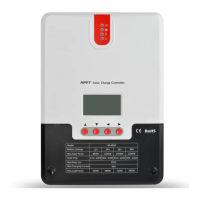
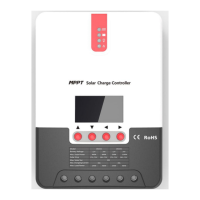
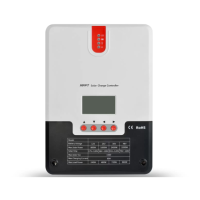
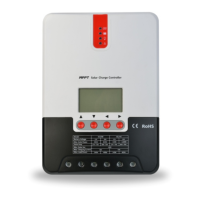
○Enter Load Mode Page
○Short press the setting key to enter mode adjustment interface
○Long press the setting key for 3 seconds
Load mode will flash at this time
○
Press the +/- key to set needed load mode
○Long press setting key to save and exit
Setting is successful
Manual Switch Load Page
The page is available only when load mode is manual mode 15. When load in under manual mode, load can
be turned on and off from following pages manually
Long press the setting key for 2 seconds to turn load on, page displays as follows:
Long press the setting key for 2 seconds to turn load off, page displays as follows:
3.6 System Analysis Page
In system analysis page, the user can user charging AH, discharging AH, work days, and system abnormality
information, convenient for user to know the working condition of the whole system.



 To Next Page