10
Call transfer
•If you have picked up a call, to for-
ward the call activate the Forward
call display button.
•The submenu „Call forwarding“
appears showing a list of available
handsets.
•Use the control buttons to select
the handset to which you wish to
forward the call.
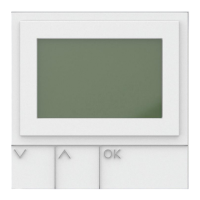
•Conrmbypressingtheleft-hand
display button OK.
•The call to the selected handset is
established.
•As soon as the call to the selected
handsetisestablished,conrmthe
completed call forwarding process
by pressing the red End call button.
•If you have picked up a door call,
to forward the call activate the
Options display button.
•The submenu Options opens up.
•Select the menu item Forwarding
using the lower control button.
•Now use the control buttons to
select the handset to which you wish
to forward the call.
•Conrmbypressingtheleft-hand
display button OK.
•The call to the selected handset is
established.
•As soon as the call to the selected
handsetisestablished,conrmthe
completed call forwarding process
by pressing the red End call button.
Note
Forwarding is not possible if there is
no active call (blind transfer).
Procedure:
•To end the call, press the red End
call button.
•If you are speaking in the hands-
free mode with the handset in the
charging cradle, end the call by
pressing the Mouth button on the
charging cradle.
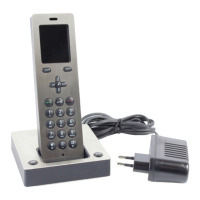
Call forwarding
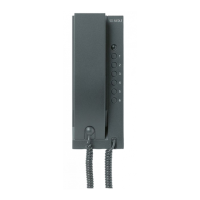
Any incoming calls, whether from
public network telephones or door
calls, as well as calls from other bus
telephones, can be forwarded to
other Scope cordless handsets.
Call transfer
Handset 1
Handset 2
Handset 3
Handset 4
Handset 5
OK Transfer
Door call forwarding


 To Next Page
 Loading...