EasyManua.ls Logo

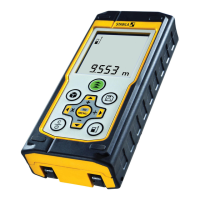
Stabila LD420 - Operations; Switching ON;OFF; Clear; Message Codes

Stabila LD420
19 pages
Print Icon
To Next Page IconTo Next Page
To Previous Page IconTo Previous Page
Loading...
Stabila LD420
4
EN
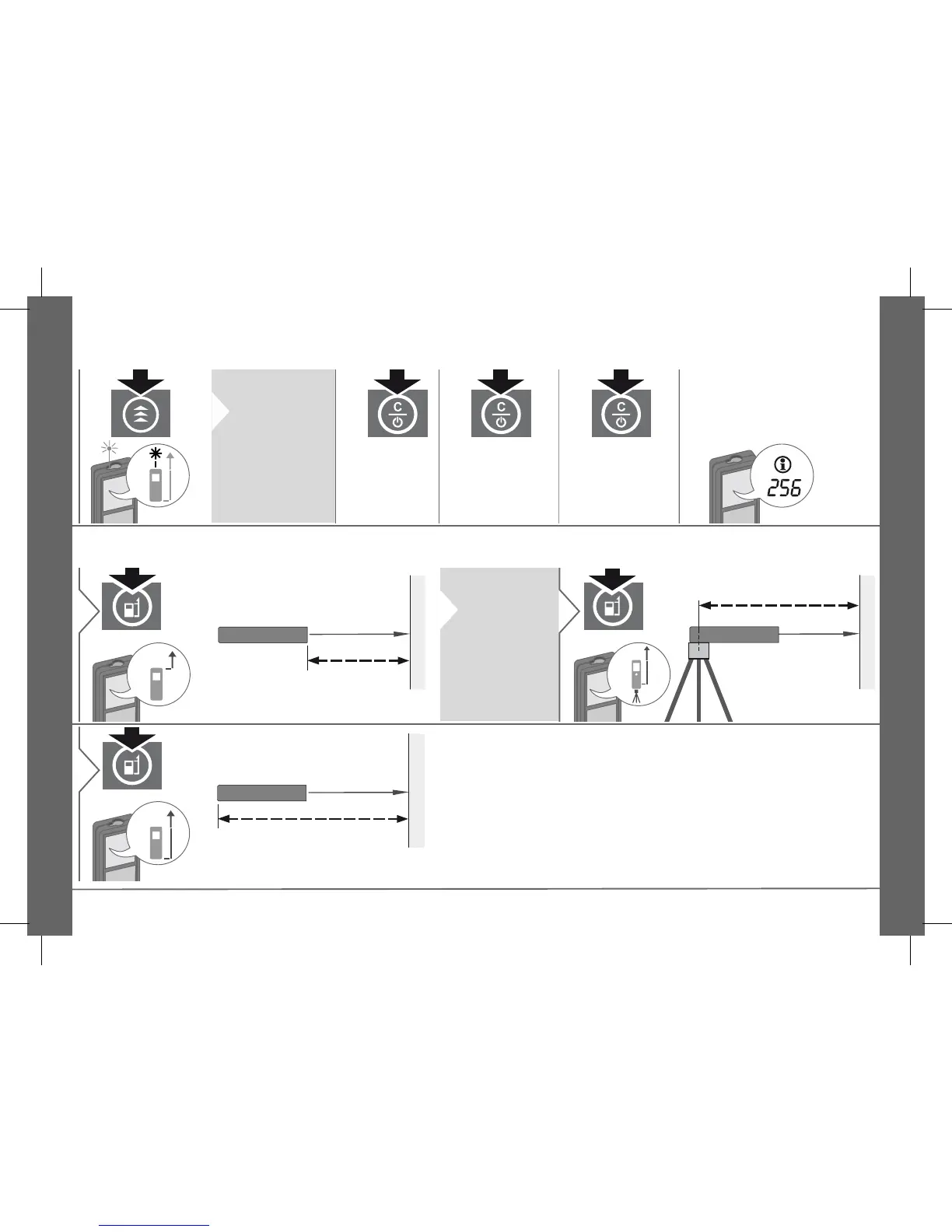
Operations
Switching ON/OFF Clear Message Codes
i
Press ON but-
ton 2 sec to
start continuous
laser mode. If
no key is
pressed for 180
sec, the device
switches off au-
tomatically.
2 sec
Device is
turned OFF.
1x
Undo last action.
2x
Leave actual
function, go to de-
fault operation
mode.
If the message "InFo" appears
with a number, observe the in-
structions in section "Message
Codes".
Example:
Adjusting measuring reference / tripod
Next distance is measured from
the front of the device.
1
i
Press button 2
sec and refer-
ence from
front is set
permanently.
Distance is measured from the rear
of the device (standard setting).
3
www.GlobalTestSupply.com
Find Quality Products Online at: sales@GlobalTestSupply.com

Related product manuals