Page 7
DISPLAY MEASUREMENTS
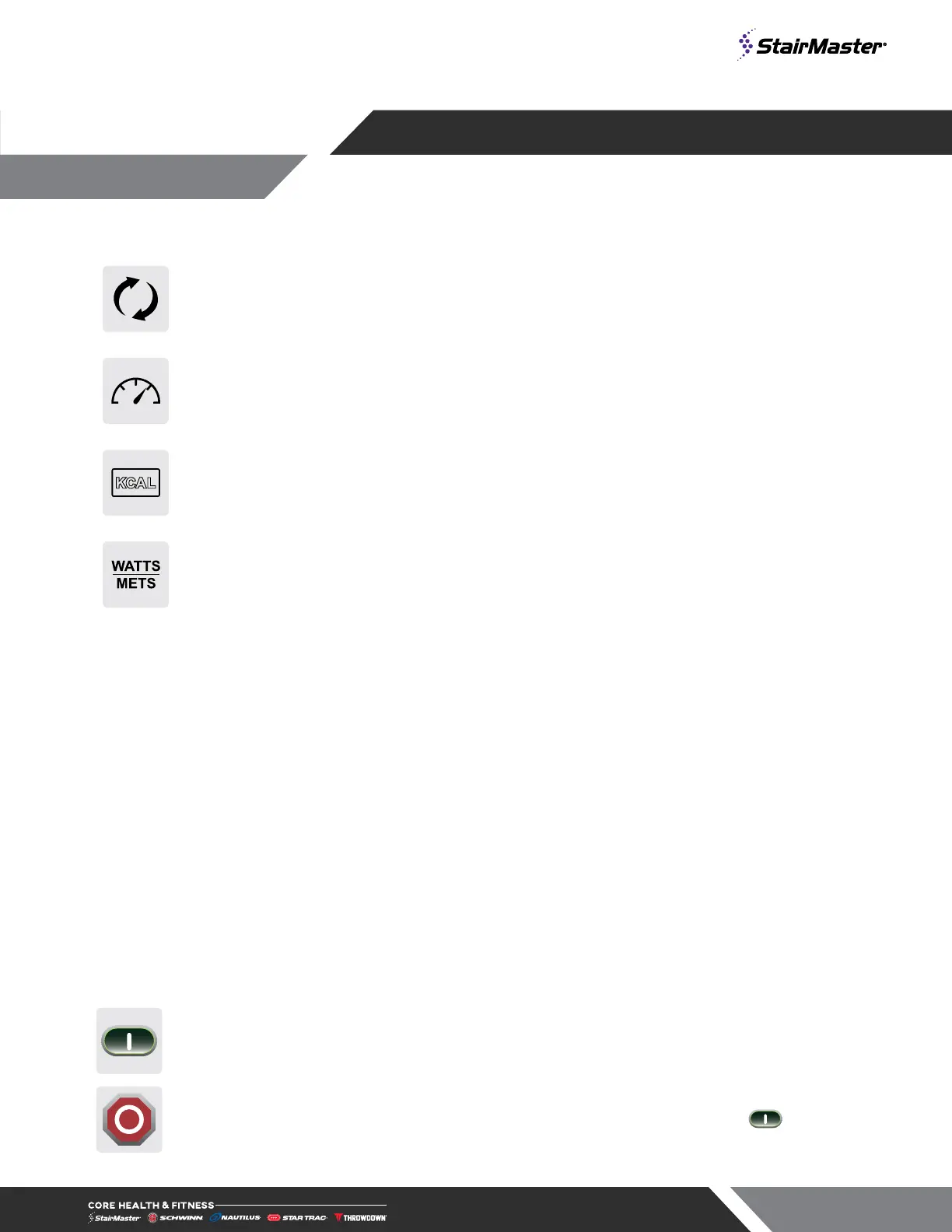
SPEED Displays the current speed in Steps per Minute
LEVEL Displays the current level, from 1-25
KCAL Displays accumulated calories burned
WATTS/METS Alternates display of current user Watts and METS
WORKOUT PROFILE Displays profile of past and upcoming speed levels relative to one another
SEGMENT TIMER Below the Workout Profile area is a segment timer that counts down the time remaining
in the current segment.
TOP DISPLAY WINDOW
The top display window includes several measures:
TIME Current total workout time
FLOORS Current total number of floors climbed
STEPS Current total number of steps climbed
HEART RATE Current HR in beats per minute,
if available
CONSOLE KEY FUNCTIONS
QUICK START
Key
Enables manual operation using a default weight, SPEED and a default time limit.
NOTE: Default time and weight are adjustable through Maintenance Mode.
STOP Button
Press the STOP button to enter pause mode. Workout will be suspended and a countdown
timer will begin counting down from 2 minutes. To re-start workout press the Key. To
end the workout push the STOP button again
OPERATION - OPENHUB
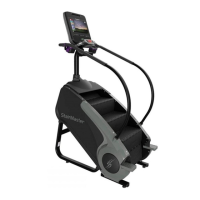
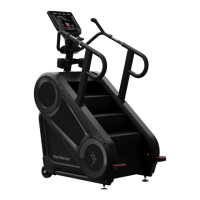
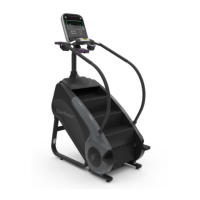
LCD CONSOLES






 To Next Page