1-866-468-5767 or 201-928-0222 International Point of Sale
Installing Appropriate Drivers
NOTE: Please leave printer disconnected for driver installation!
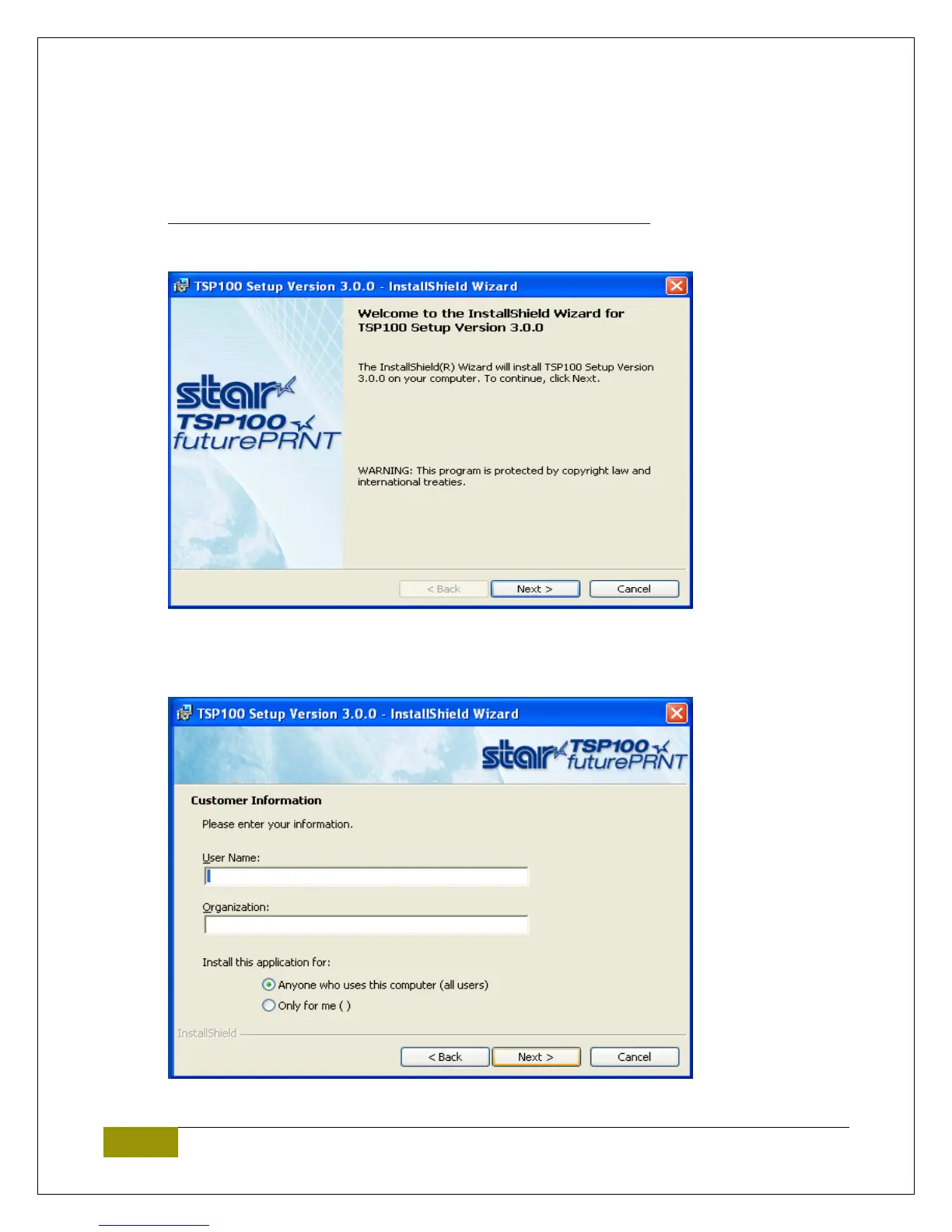
1. Start by running the setup.exe installer file. Which can be downloaded at:
http://cornerstorepos.com/downloads/hardware/StarPrinterDriver.zip
2. At the initial screen select Next.
3. On the next screen set the User Name, Organization and select Install this application for all users
and then select Next.















 To Next Page