1-866-468-5767 or 201-928-0222 International Point of Sale
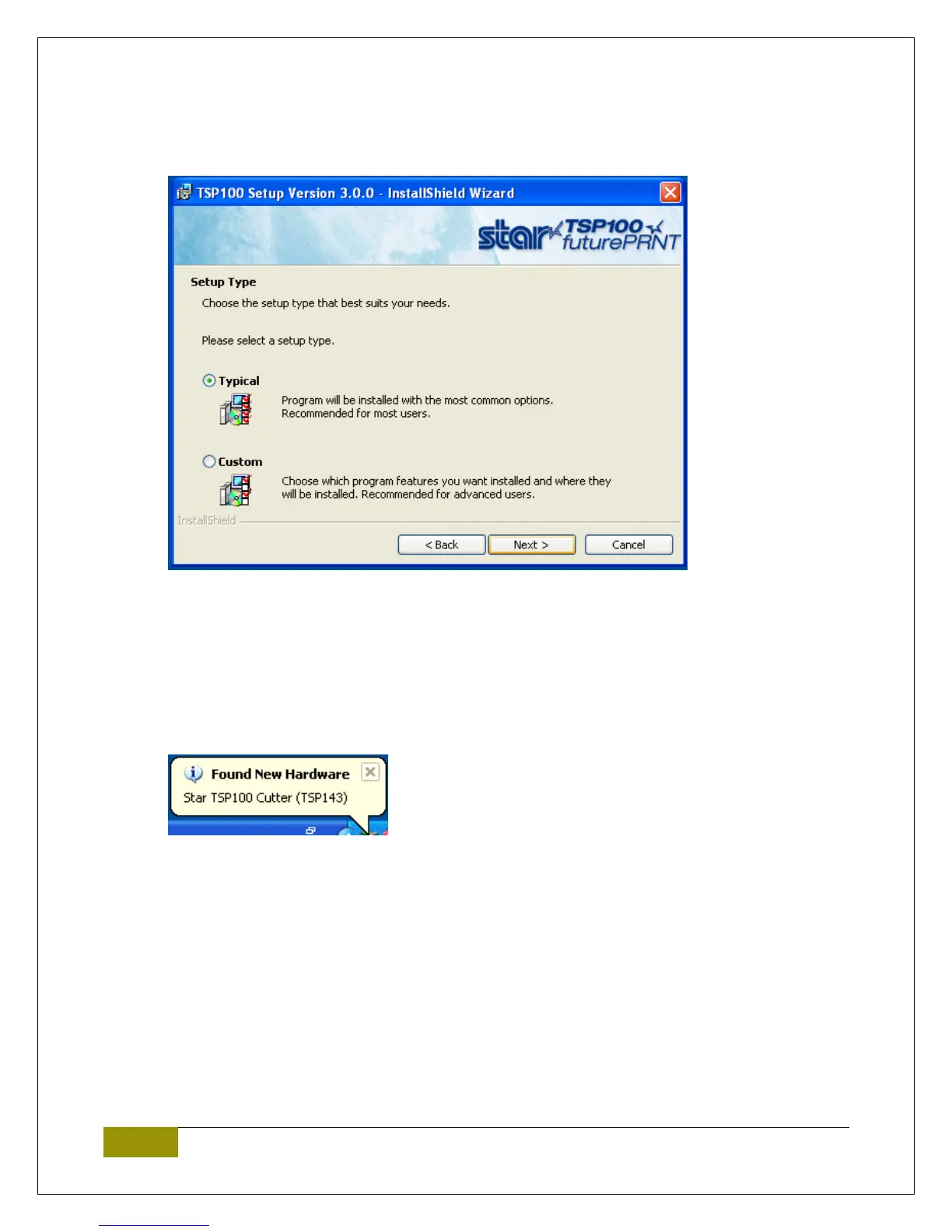
4. When prompted for Setup Type select Typical then Next.
5. Select Install.
6. Select Finish to complete the installation.
Configure printer
1. Plug in the printer to standard power and appropriate port on your computer (USB/LPT).
2. Power on the printer (Power switch on left hand side of the printer).
3. Windows should now auto-detect your printer and finish installing the appropriate drivers.















 To Next Page