1-866-468-5767 or 201-928-0222 International Point of Sale
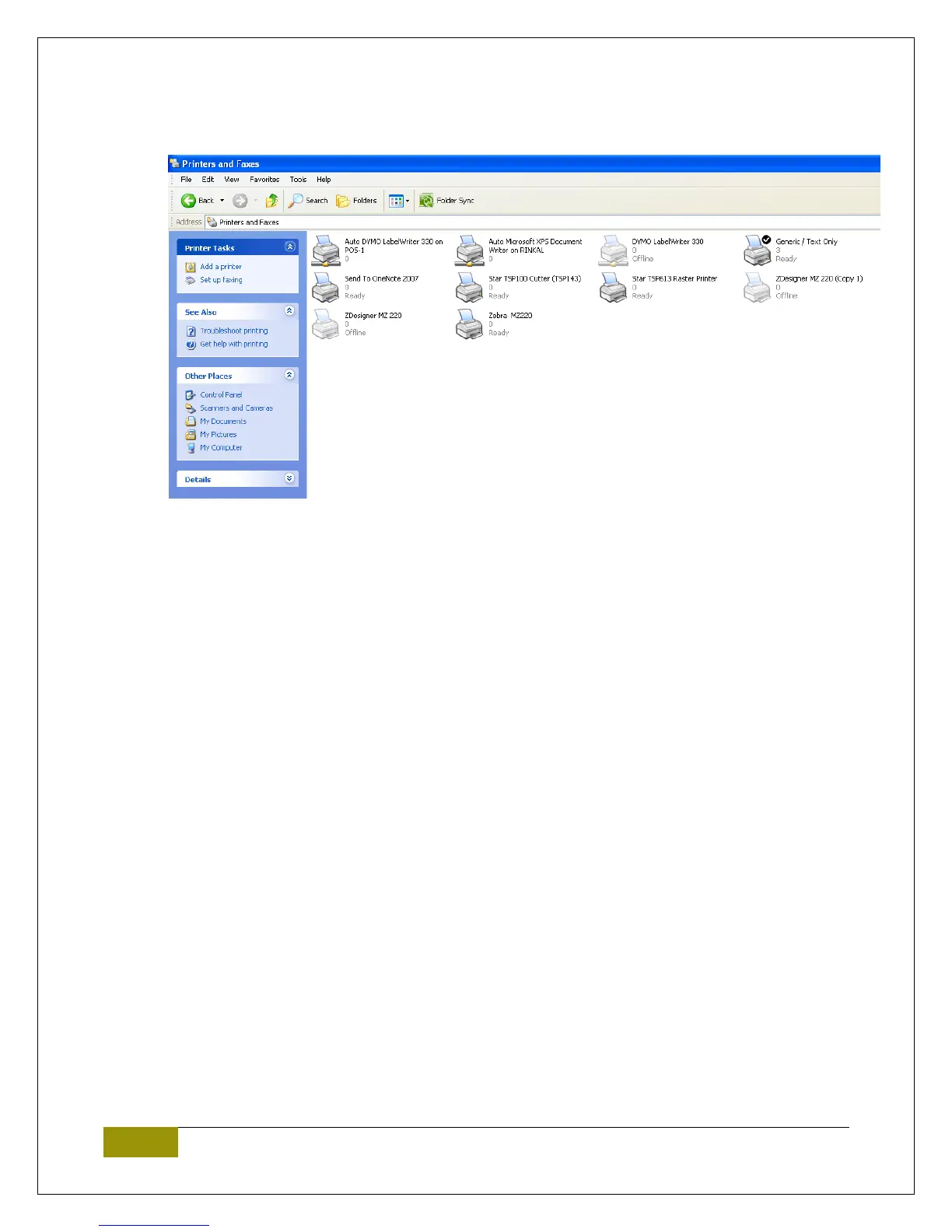
4. Open Printer and Faxes. Go to Start>Control Panel>Printer and Faxes and confirm you see the
TSP series printer in this list.
5. You can try a test print to confirm the printer is properly working. Right click the printer, click the
properties, and then select “Print Test Page”.















 To Next Page