Directional Settings
Your hearing system has directional microphones to help
improve speech understanding in noisy situations.
Your hearing care professional will circle the programmed
directional setting for each memory.
Program Environment
1 Automatic Manual Off
2 Automatic Manual Off
3 Automatic Manual Off
4 Automatic Manual Off
When the directional microphones are activated automatically
(automatic), the hearing instrument will continually monitor the
environmentandgraduallyadjusttotheappropriatemodetooptimize
speech intelligibility. When the directional microphones are activated
by pushing the Multimemory button (manual), the hearing instrument
optimizesspeechwhenyouselectthedirectionalmemory.Askyour
hearing care professional about your particular directional settings.
Telephone Use
Your hearing system allows you to comfortably use the telephone
without removing your hearing system.
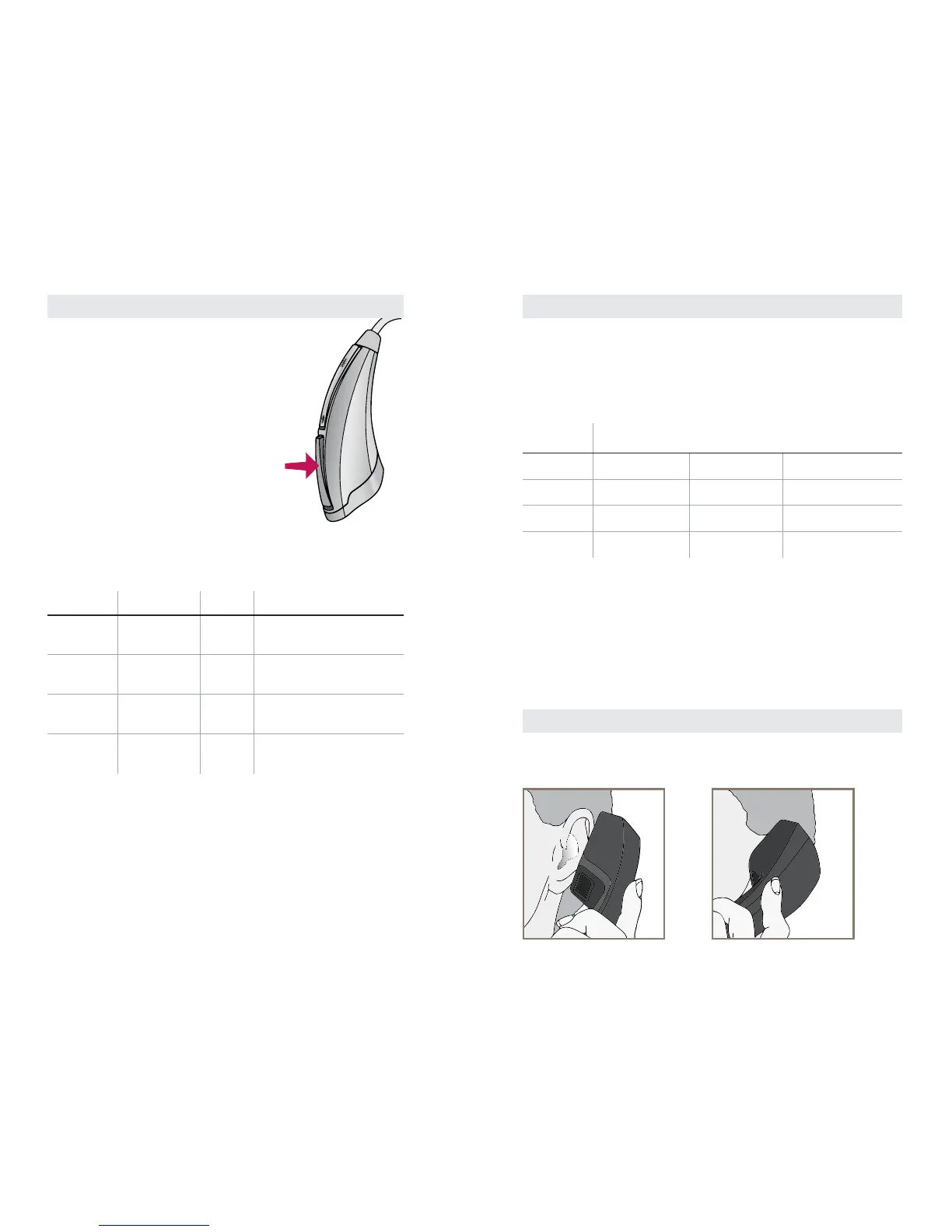
Multimemory Settings
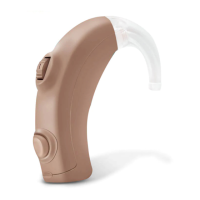
Your hearing care professional can
set up to four hearing programs for
you. These additional programs
are accessed by pressing the
Multimemory button inward.
When you press the Multimemory
button, you may hear an indicator or
tone series indicating the device has
changed to the next program. Your
hearing system has been set up with
the following environments:
Program Tone Voice Environment
1 1 Tone One Normal
2 2 Tones Two
3 3 Tones Three
4 4 Tones Four


 To Next Page