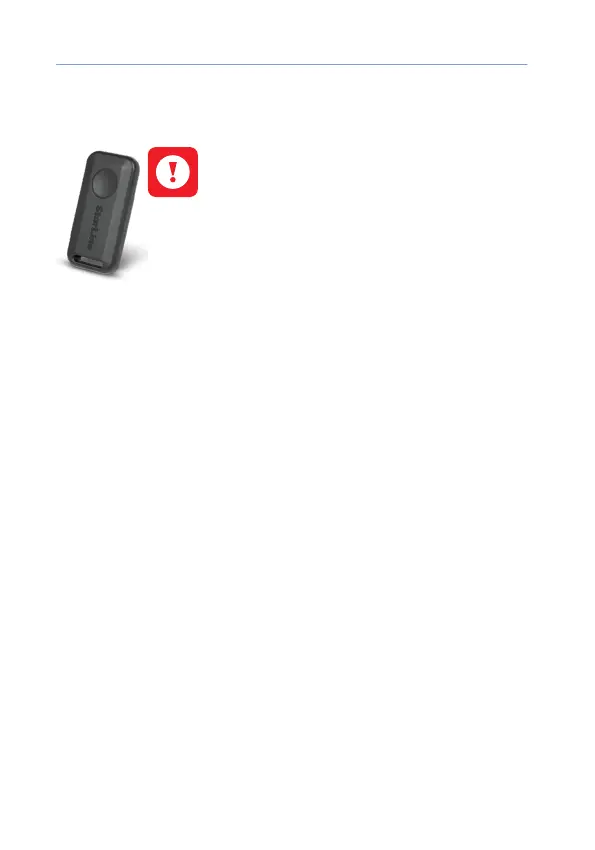
StarLine E9 v2
14
Control with wireless tag (transponder)
(optional accessory)
Wireless tags availability depends on delivery set.
The included and optional tags are supplied
from factory in transport (power saving) mode,
i.e. inactive! Pushing a tag button in this mode is
indicated by green and red alternating ashes of
the built-in LED. To switch it to normal mode push
a tag button several times until ashing color
turns to green.
Connection check
Push button once to check tag connection status. 2 LED ashes
means connection with security main unit established, 1 ash means
disconnected. A ash color corresponds to the current active mode:
• green – Regular mode, Anti-hijack is disabled
• red – Anti-hijack mode is enabled
• yellow – Service mode is enabled
Control over security system
Duration of a tag button pushing:
• short – push and release button, followed with a ash of
corresponding current operation mode;
• long – push and hold button until LED begins ashing.
Duration of long push are of 2 levels:
• 1 level – push and hold button followed with double short ashes
of a current operating mode and then long ash at which button
must be released;
• 2 level – push and hold the tag button followed with double short
ashes of a current operating mode, then one long ash and then
followed with serial ashes at which button must be released.



 To Next Page