user manual
23
4. Set current date with
2
button, current month with
3
button and
year with
4
button.
5. Push
2 3
buttons together to exit from time setup menu.
Main settings menu
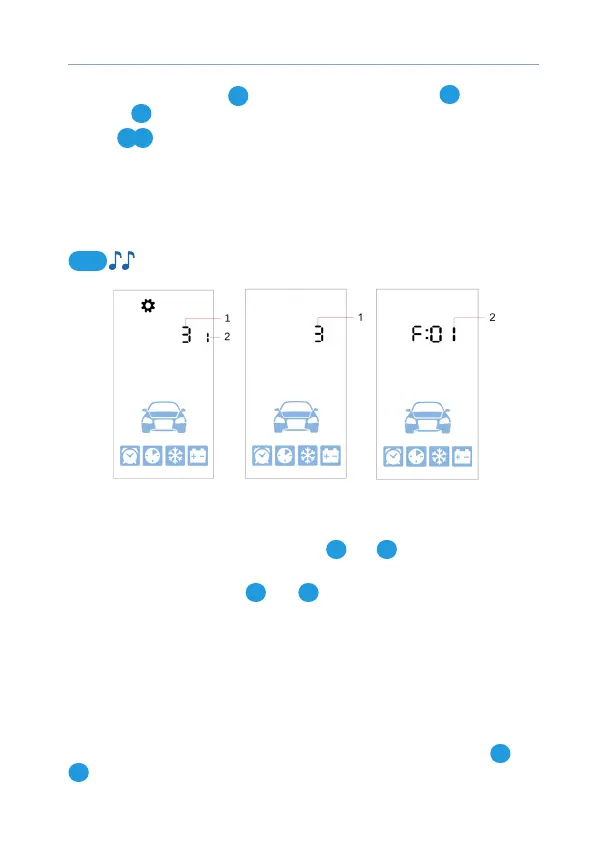
Operation parameters are set in the Setting menu.
Settings menu is entered and exited with 4 button long push level 2:
4
1 – parameter function number
2 – parameter value
Operation menu points are ipped with
1
and
4
buttons up and down
accordingly.
Parameters are tuned with
2
and
3
buttons short push up and down
accordingly.
Long buttons pushing increases parameters tuning speed.
Listing menu points, changing settings and menu exit are conrmed with
melody.
Time zone setup
Select 1 item of Settings menu and set matching time zone with
2
and
3
buttons.



 To Next Page