23
To view manuals, videos, drivers, downloads, technical drawings, and more visit www.startech.com/support
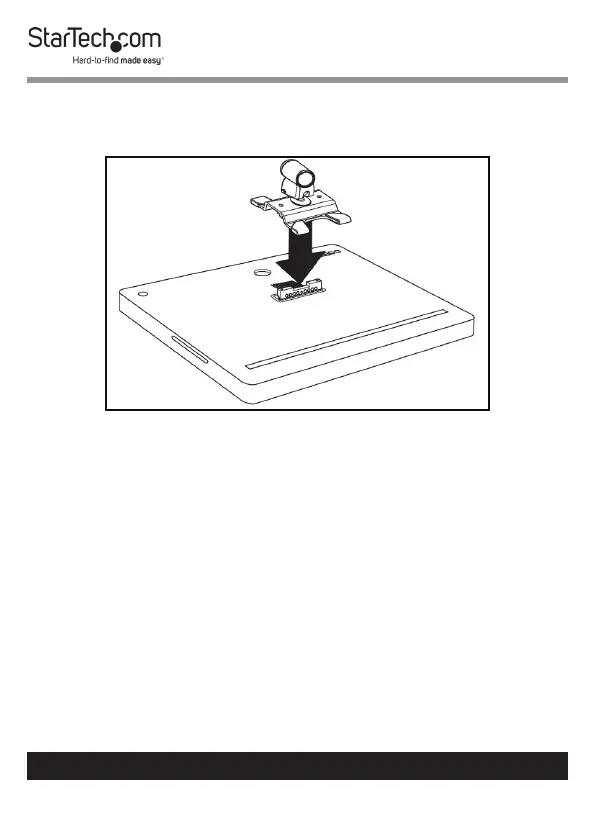
13. Align the 2 screw holes on the Monitor Mount with the 2
Mounting holes on the Flange. The orientation of the iMac
Monitor is important.
Aligning the Monitor Mount
14. Insert the 2 Monitor Mount Screws through the Monitor
Mount and into the Flange.
15. Use the Hex Key (4 mm) to tighten the Monitor Mount
Screws. Be careful not to over-tighten the Monitor Mount
Screws.



 To Next Page