22
To view manuals, videos, drivers, downloads, technical drawings, and more visit www.startech.com/support
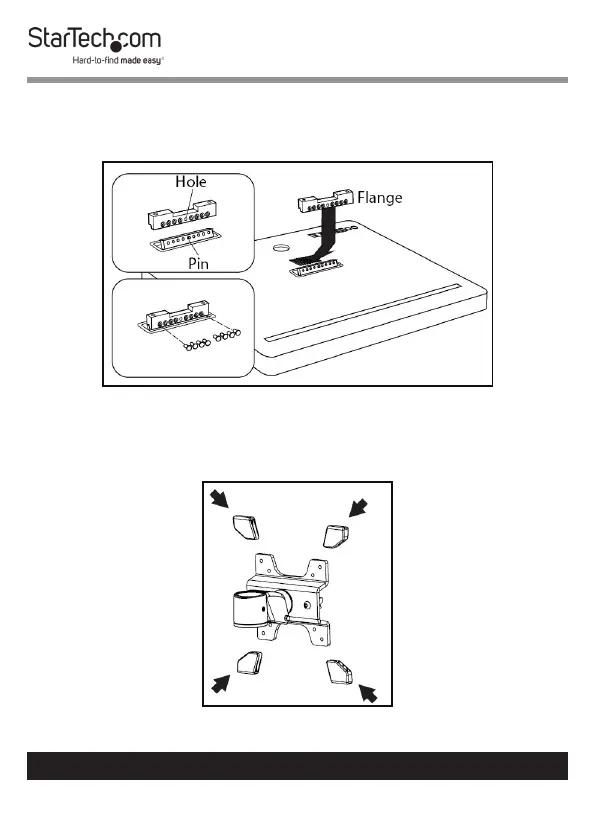
10. Re-insert the eight screws through the Flange.
11. Using the Torx Key tighten the eight screws, being careful
not to over-tighten.
Installing the Flange
12. Slide the Plastic Caps (x 4) over the ends of the Monitor
Mount, to protect the surface of the iMac Monitor.
Installing the Plastic Caps



 To Next Page