- 10 -
STC8H Series Manual
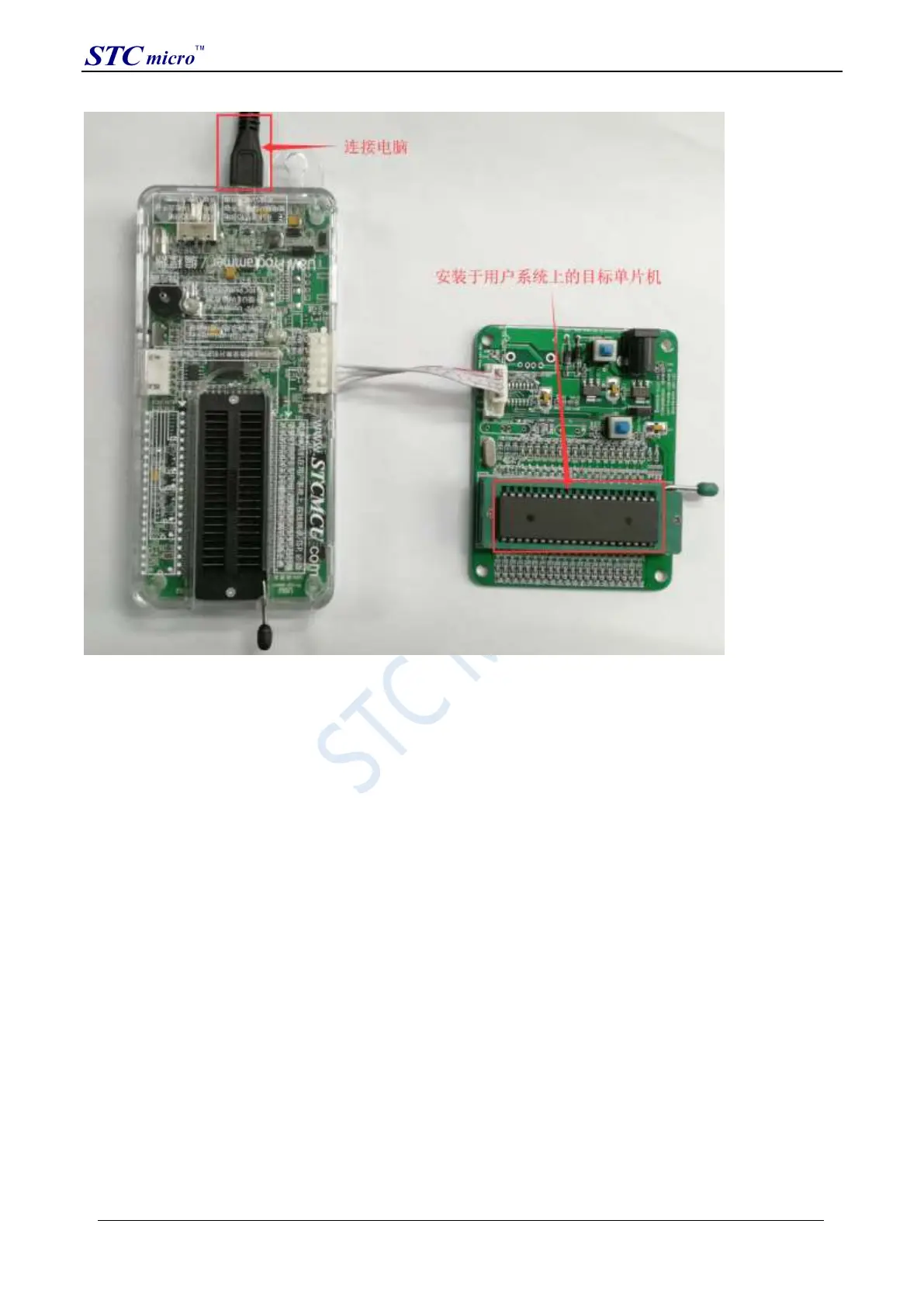
Then use STC-ISP to download the software to download the program, the steps are as follows:
1. Select the MCU model;
2. Select the serial port number corresponding to U8W;
3. Open the target file (HEX format or BIN format);
4. Set hardware options;
5. Click the "Download/Program" button to start burning;
6. The step information of the programming process is displayed, and the message "Completed!" is displayed when
the programming is completed.
STC Tool Instruction Manual



 To Next Page