- 34 -
STC8H Series Manual
1. Use STC universal USB to serial port tool to connect the MCU to be burned with the computer;
2. Open STC's ISP to download the software;
3. Select the MCU model;
4. Select the serial port corresponding to the STC Universal USB to Serial Tool;
5. Open the target file (HEX format or BIN format);
6. Click the "download/program" button in the ISP download software;
7. Press the "power switch" on the STC Universal USB to Serial Tool to power the MCU, and the download can start.
【Cold start burning】
In addition, the USB interface has the same function as the Micro-USB interface, and the user can connect one of the
interfaces to the computer as needed.
The 0V signal pin of the programming interface has a 470 ohm resistor grounded. It can be downloaded only when
P1.0/P1.1=0/0 or P3.2/P3.3=0/0 is set. You can set P1.0, P1 .1 or P3.2, P3.3 are connected to the 0V signal pin.
4.3 STC Universal USB to Serial Tool Driver Installation
STC general USB to serial port tool uses CH340 USB to serial chip (can plug in crystal oscillator, more accurate),
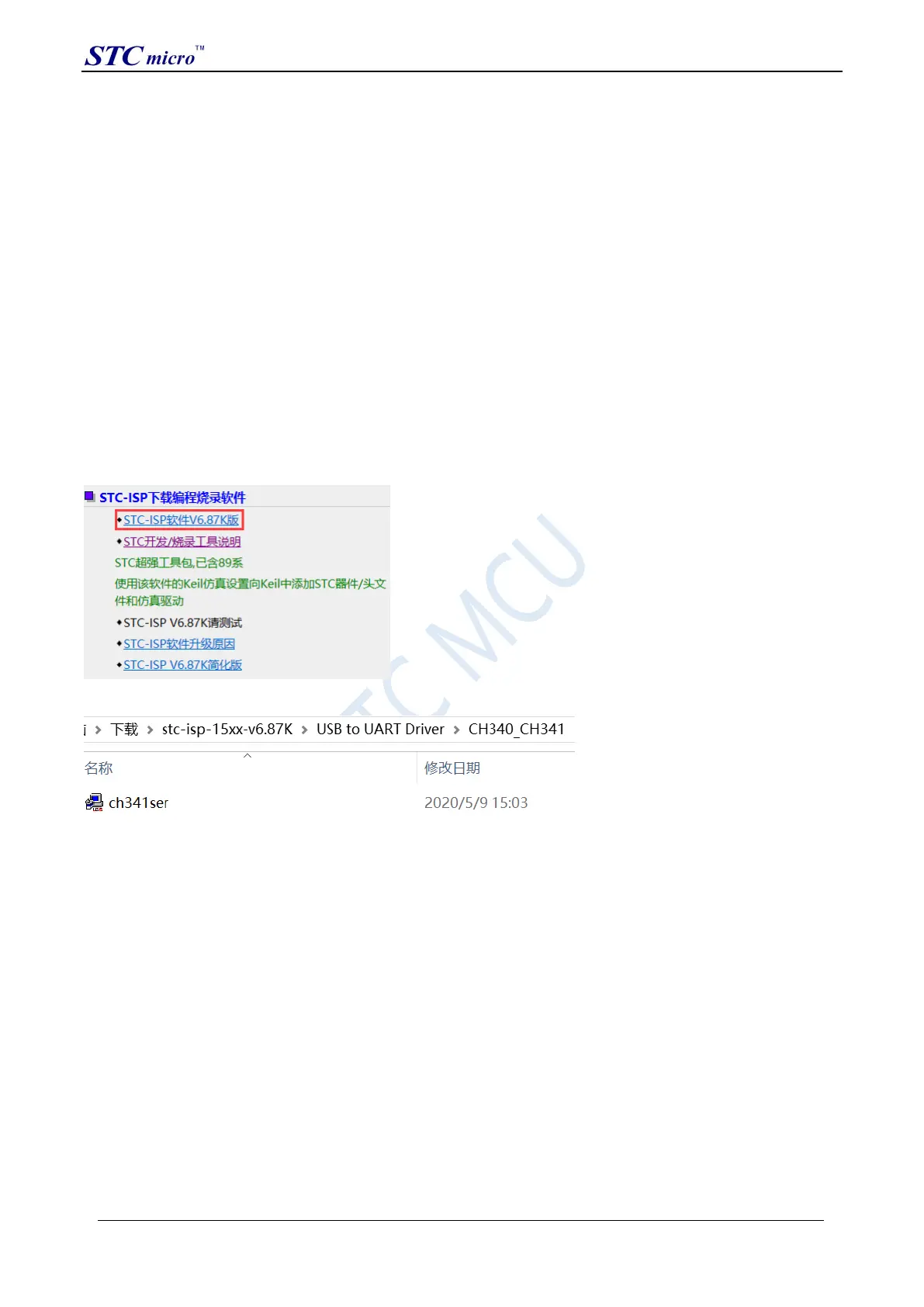
just download the general CH340 serial driver and install it. The following is the CH341SER serial driver provided
by STC official website (www.STCMCUDATA.com) Download location:
After downloading, decompress, the path of CH340 driver installation package is stc-isp-15xx-v6.87K\USB to UART
Driver\CH340_CH341:
Take the CH341SER serial port driver provided by STC official website as an example, double-click the
"CH341SER.exe" installation package, and click the "Install" button on the pop-up main interface to start installing
the driver:
STC Tool Instruction Manual



 To Next Page