- 25 -
STC8H Series Manual
During the downloading process, the 4 LEDs on the U8W-Mini download tool will be displayed in marquee mode.
After the download is complete, if the download is successful, the 4 LEDs will be on and off at the same time; if the
download fails, all the 4 LEDs will be off.
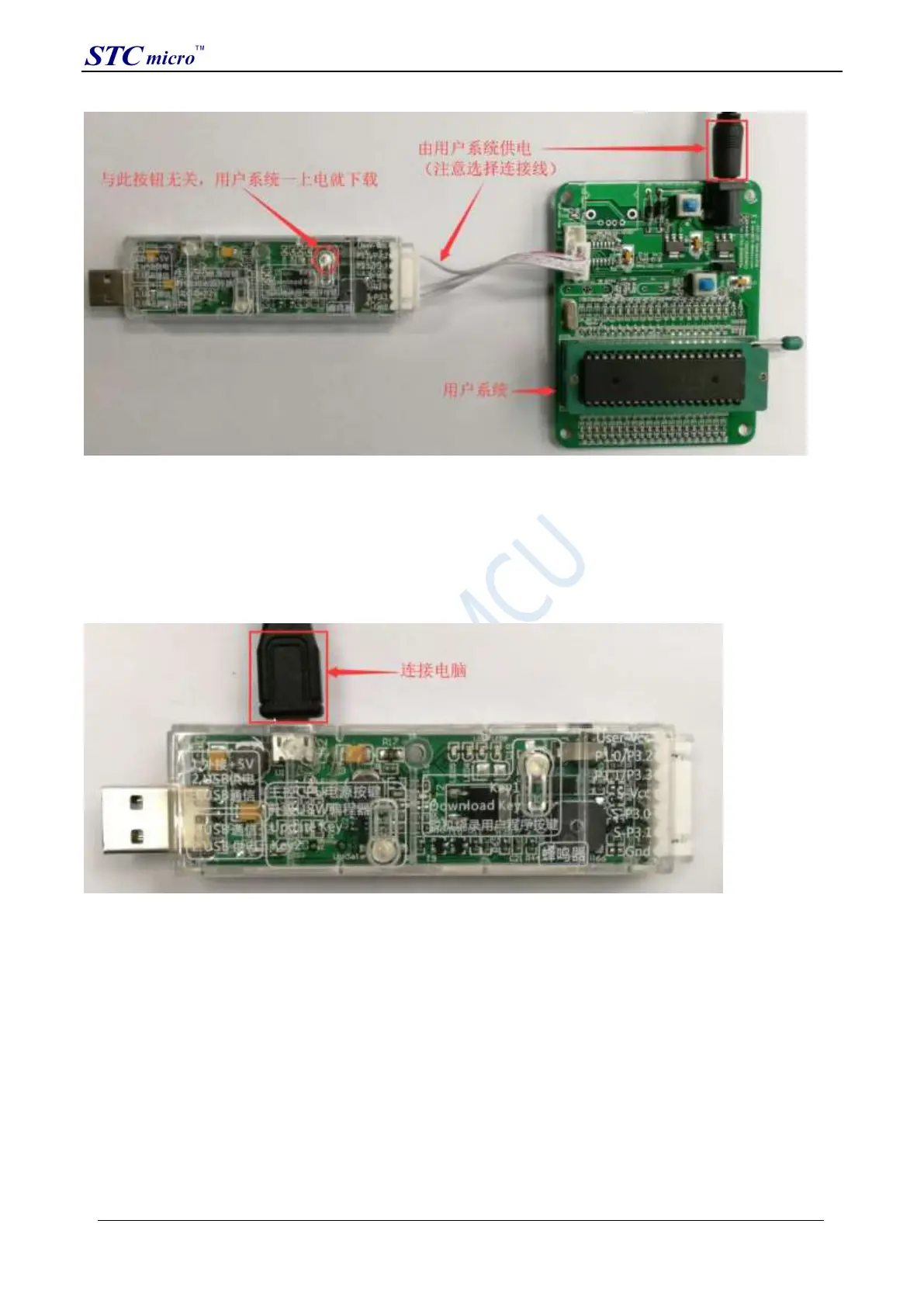
The target chip is connected to U8W-Mini by the user system lead, and U8W-Mini and the user system are
independently powered for offline download.
(1) Firstly, use the USB cable provided by STC to connect the U8W-Mini download board to the computer, as shown
below:
(2) Set up in the STC-ISP download software according to the steps shown in the figure below:
STC Tool Instruction Manual



 To Next Page