EasyManua.ls Logo

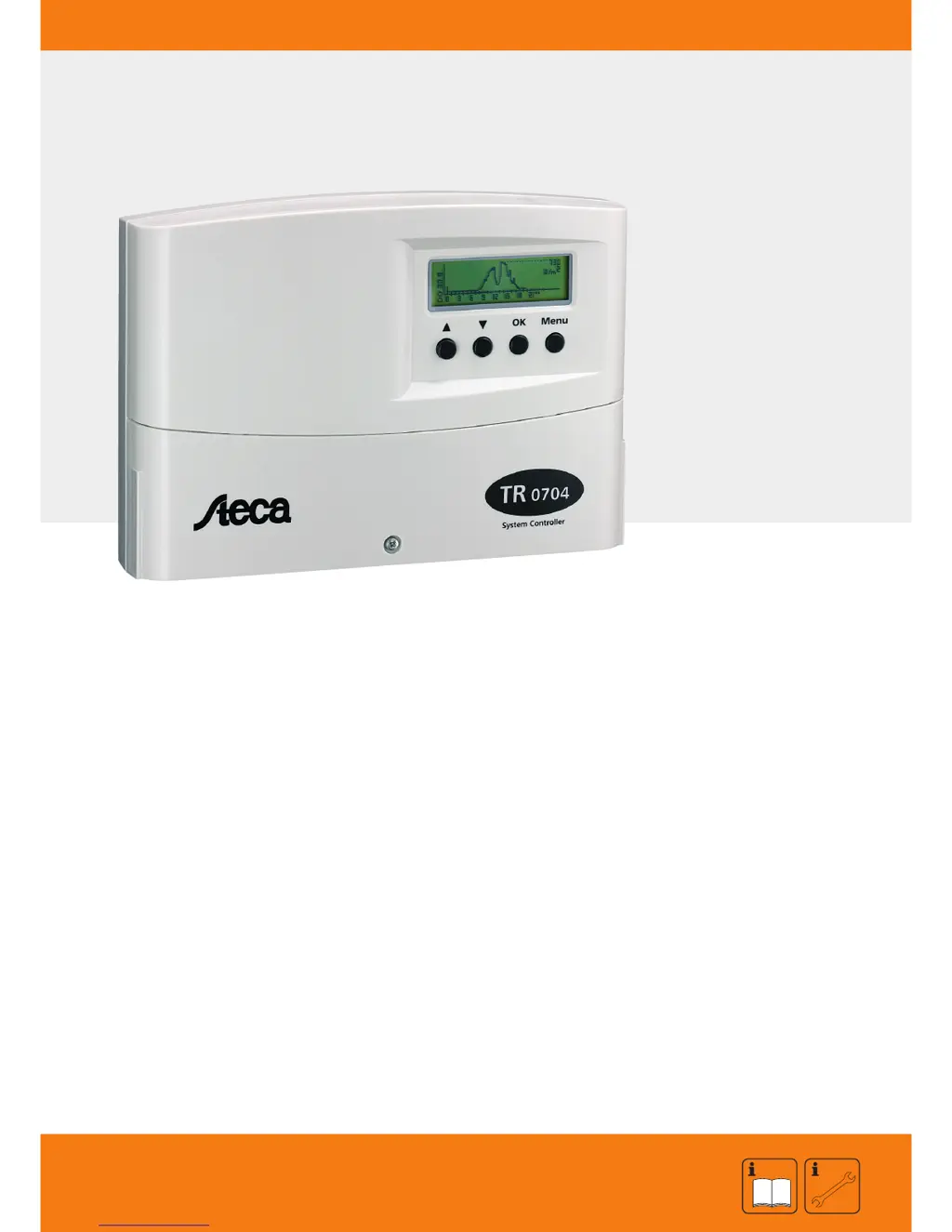
Steca TR 0704 - User Manual

Steca TR 0704
84 pages
Print Icon
To Next Page IconTo Next Page
Loading...
SOLARTHERMIE - SOLAR THERMAL - SOLAR TÉRMICO- SOLAIRE THERMIQUE - SOLARE TERMICO
Installation and Operating Manual
System Regulator for Solar Thermal Systems
7 inputs, 4 outputs
709.756 | Z02 | 08.08 | Änderungen aufgrund technischer Verbesserungen vorbehalten!
EN
These operating instructions are part of the product.
Read these operating instructions carefully before use.
Keep them over the entire lifetime of the product
and pass them on to any future owner or user of this product.

Questions and Answers

  • A
    Ashley DanielsAug 2, 2025
    What to do if radiation measured data shows 0 W/m² on Steca Controller?
    • J
      Julia FordAug 2, 2025
      If the radiation measured data shows 0 W/m², even though the sensor is sufficiently irradiated, check the sensor and sensor line for defects, disconnections, or short circuits. Also, verify and correct the polarity of the sensor line.
  • K
    kerrduaneAug 13, 2025
    What to do if Steca TR 0704 Controller flow rate sensor determines incorrect heat amount?
    • B
      Brenda DelgadoAug 13, 2025
      If the flow rate sensor or heat meter determines no or an incorrect amount of heat, it could be due to several reasons. First, ensure that the 'Heat meter' function is activated and programmed with the correct settings. Check if the supply and return line temperature sensors have been interchanged and correct them if necessary. Verify that the correct pulse value has been programmed for the volume flow meter and that the correct percentage of glycol is programmed. Ensure that Tyfocor L is used as the solar fluid. Also, check that the volume meter is installed in the correct flow direction and clear any blockage from the filter screen. Finally, bleed the air from the solar circuit.
  • P
    Pamela JohnsonAug 22, 2025
    What to do if pump/3-way valve on R4 is not responding on Steca TR 0704 Controller?
    • S
      Shane LoweryAug 22, 2025
      If the pump or 3-way valve on R4 is not responding even though the switch-on conditions have been met, first connect the terminal jumper if it is not already connected. Replace the fuse if it is burnt-out or defective. Ensure proper connections of the switch valve, making sure the continual phase L1 is connected as well as N and R4.

Summary

Security Instructions and Restriction of Liability

Sign for security instructions

Indicates safety instructions for personal safety and system functioning.

General safety instructions

Provides essential safety guidelines for installation and operation.

Regarding these instructions

Explains the scope and purpose of the operating instructions.

Restriction of liability

Details the manufacturer's liability limitations regarding installation and use.

Installation and Operation

Location of installation

Specifies suitable and unsuitable locations for installing the regulator.

Installation

Describes the process of mounting the regulator on a wall.

Regulator Connection

Details the procedures for connecting wires and terminals.

Operating the System Regulator

Basic Menu

Overview of the main menu structure and navigation buttons.

Measuring Values Menu

Displays current and logged system measurements graphically.

Operating Status Menu

Provides an overview of pump/valve status and system error messages.

Parameter Menu

Lists and allows adjustment of threshold and hysteresis values.

Functions Menu

Access point for configuring various system functions.

Manual Operation Menu

Allows manual control of outputs for testing and maintenance.

System Selection

Systems with internal heat exchanger

Details systems using an internal heat exchanger.

Systems with plate heat exchanger

Details systems utilizing a plate heat exchanger.

Systems for supplementary heating

Describes systems designed for supplementary heating functions.

Functions

Thermostats

Configures adjustable thermostats for output control based on temperature.

Differential Thermostats

Implements hysteresis control for differential temperatures.

Time Functions

Sets up time-controlled functions using independent time clocks.

Frost Protection

Activates frost protection for solar circuits, especially with water.

Fresh Water at R2

Enables fresh water function for domestic hot water heating.

System Examples

Circulation Function

Example of implementing a circulation function using a thermostat.

Stop after-heating in the Morning

Example for stopping after-heating during morning hours for energy saving.

Supplementary Heating

Example of programming supplementary heating using a differential thermostat.

Configuration

System Expansion

IS-Bus

Details connection of add-on modules via the IS bus.

RS 232

Describes PC, laptop, or modem connection via RS232 interface.

Add-on and Alarm Outputs

Explains additional open-collector outputs and the alarm output.

Information for Troubleshooting

Legal Guarantee

Technical Data

Steca TR 0704 Specifications

General IconGeneral
Self-consumption< 10 mA
Protection degreeIP 20
Operating Voltage12 V / 24 V
Nominal system voltage12 V / 24 V
Product categorySolar Charge Controller

Related product manuals