29
738.955 | 10.40
EN
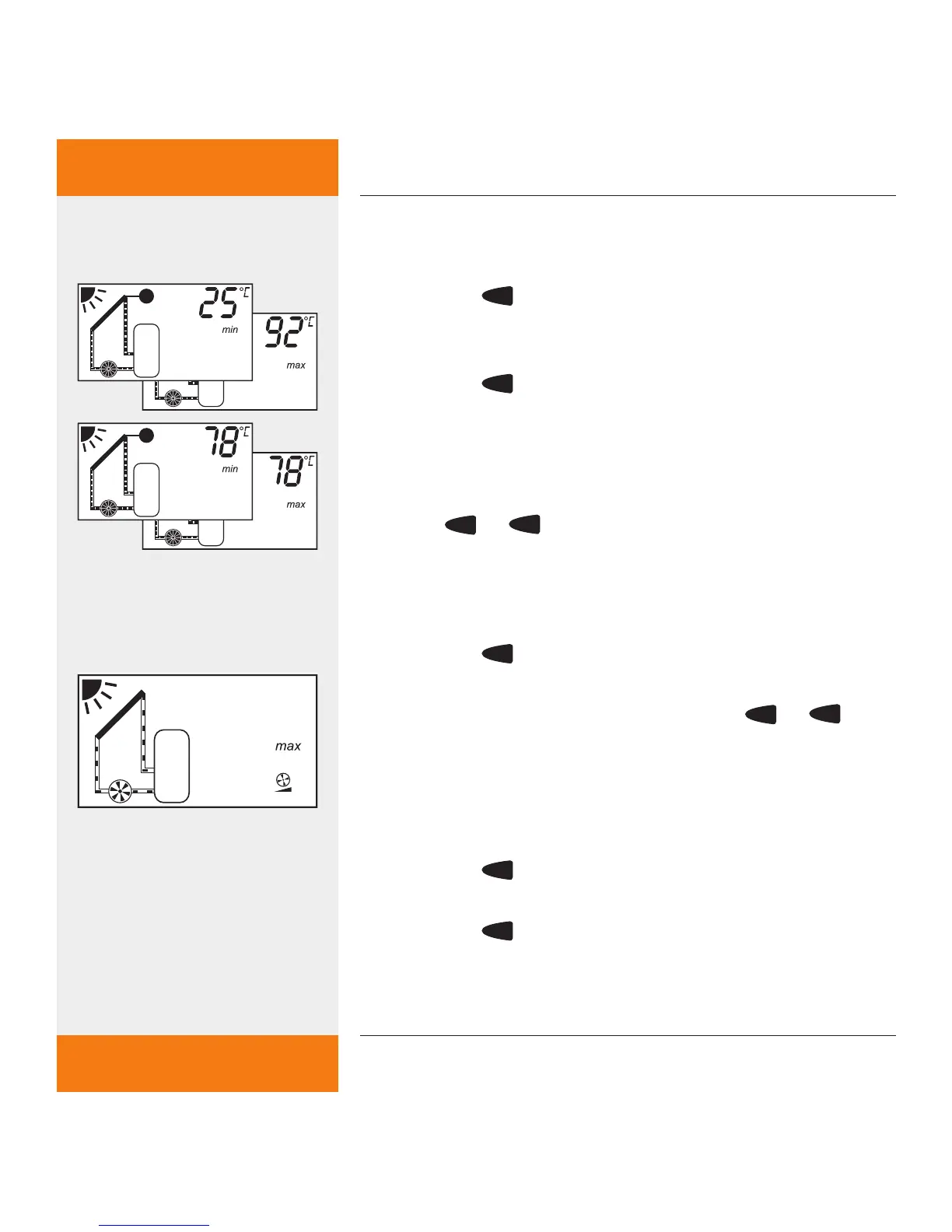
8.1.4 Deleting min. / max. temperature values
Desired temperature sensor is selected.
Press the
SET
button briefly.
Min. / max. temperature values are shown alter-
nately on the display.
Press the
SET
button for approx. 2 seconds until the
temperature values saved are deleted.
The min. / max. temperatures and the current
measured temperature appear on the display.
To exit min. / max. temperature value settings,
press
or
button.
8.1.5 Displaying max. f
low rate (only when a
Grundfos Direct Sensors
TM
VFS 1-12 is connected.)
Flow rate is selected.
Press the
SET
button briefly.
The max. flow rate is shown on the display.
To exit the max. flow rate, press the
or
but-
ton.
8.1.6 Resetting the max. flow rate (only when a
Grundfos Direct Sensors
TM
VFS 1-12 is connected.)
Flow rate is selected.
Press the
SET
button briefly.
The max. flow rate is shown on the display.
Press the
SET
button for approx. 2 seconds until the
flow rate value saved is deleted.
The display now shows the current measured flow
✓
✓
✓



 To Next Page