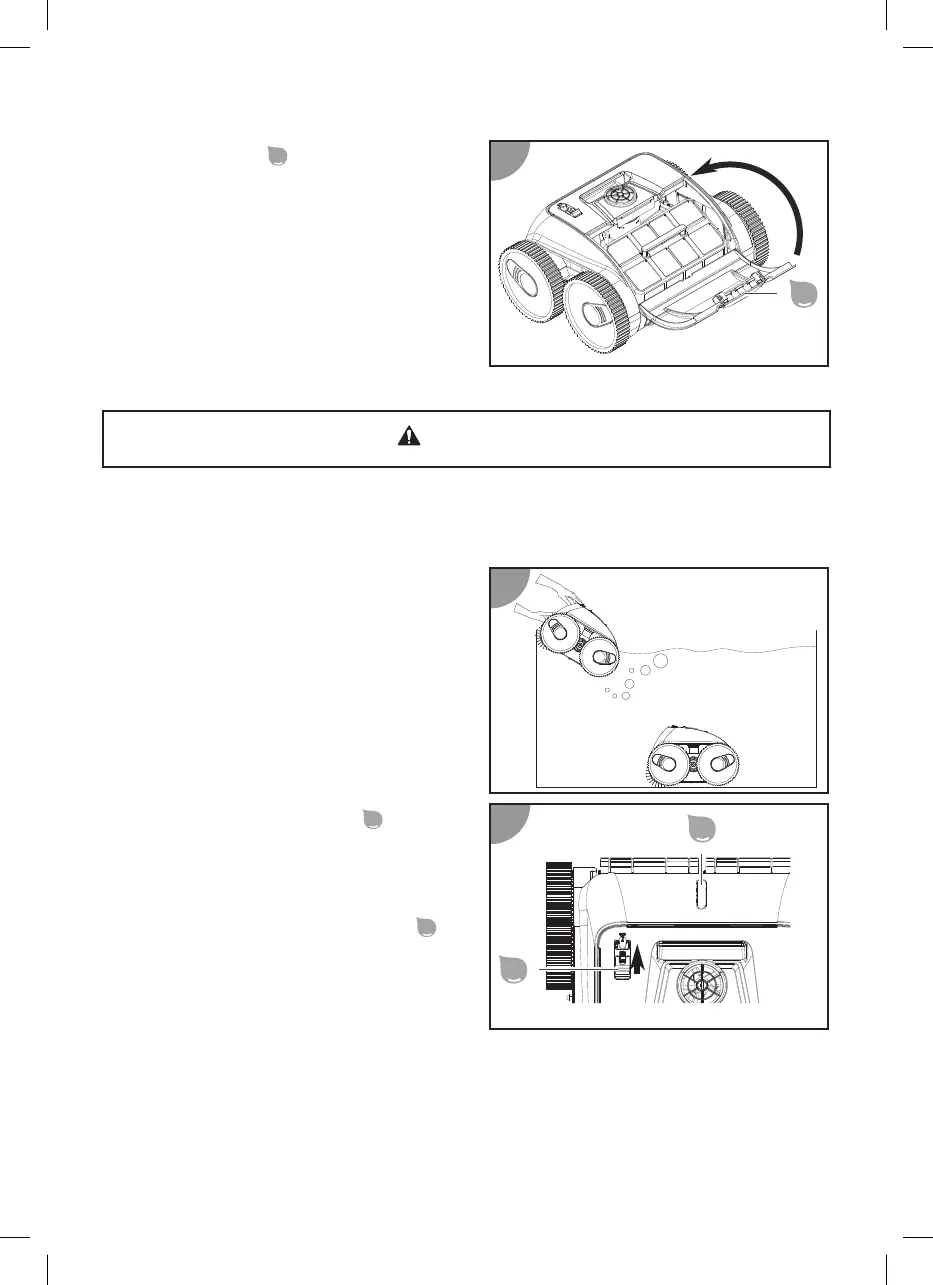
3. Close the hatch
so that it locks in
place.
The lter is inserted.
Placing the device in the pool and starting cleaning
CAUTION!
Risk of injury!
The device can hurt persons in the pool.
- Make sure no one is in the pool while the device is in the water.
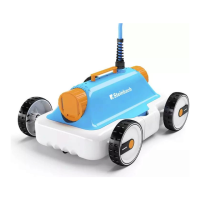
1. Hold the device by the handle and
lower it slowly into the water unl all
the air has escaped. The device should
run at a right angle to the pool wall.
2. Turn on the ON/OFF switch
.
3. Then let the device sink to the boom
of the pool.
The device is in the pool and starts cleaning
with a me delay. The status indicator
blinks blue.
Switching off the device
Proceed as follows to switch o the device:
1. Li the device out of the pool and switch it o.
2. Clean the lter unit and the device.
36


 To Next Page