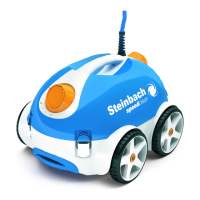
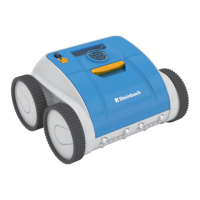
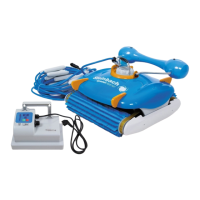
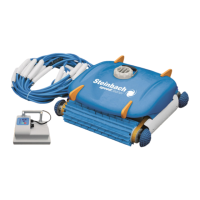
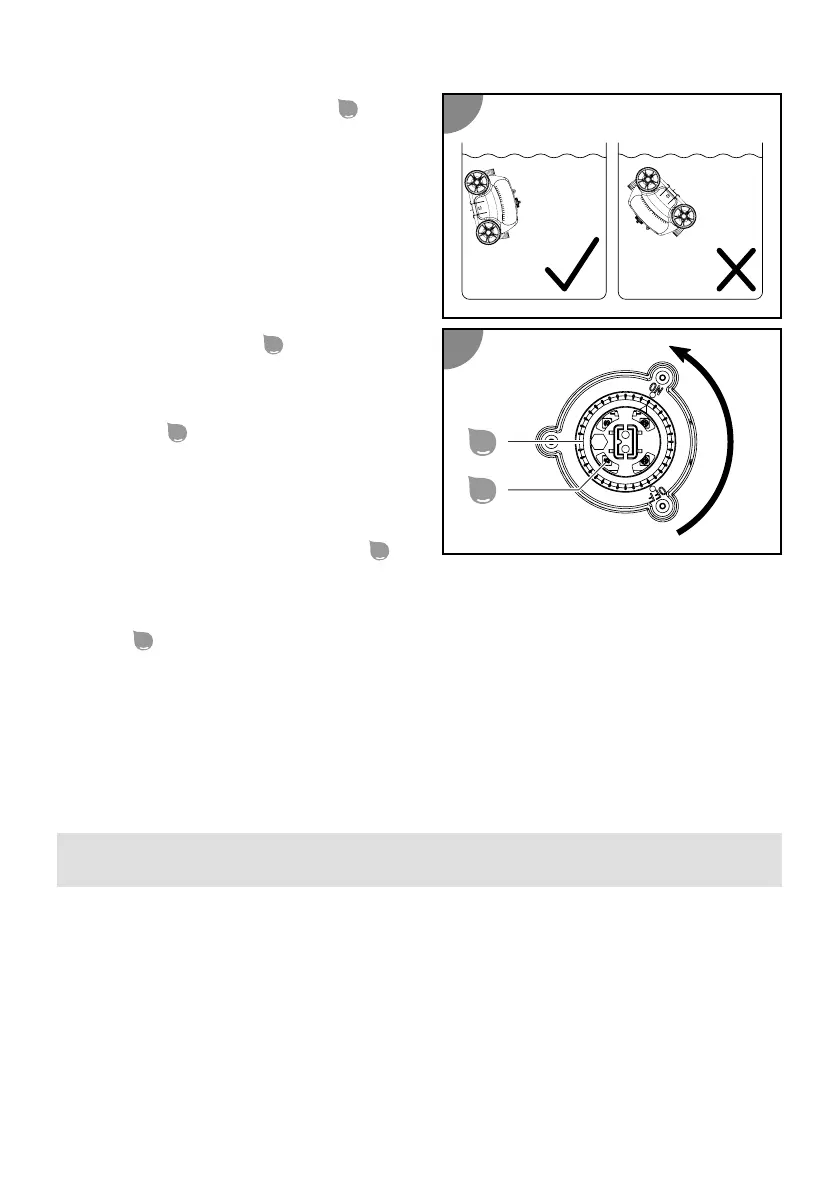
2. Hold the device by the handle
and
lower it slowly into the water unl all
the air has escaped. The device should
run at a right angle to the pool wall.
3. Set the rotary switch
to ON.
The device switches itself on
automacally as soon as it is fully
immersed in the water. The status
indicator
is lit blue.
4. Aerwards, carefully lower the device
on the nylon cord to the boom.
The device is in the pool and starts cleaning
with a me delay. The status indicator
blinks blue.
Cleaning stops automacally when the rechargeable baery is almost drained. The status
indicator
is lit red. The device moves to the pool wall.
Switching off the device
Proceed as follows to switch o the device:
1. Li the device out of the pool and switch it o.
2. Clean the lter unit and the device.
Lifting the device out of the pool
NOTICE!
The pump of the device can be damaged if it is switched on or o
outside of the water.
- Only switch the device on or o when it is located below the
water surface.
1. Slowly pull the device to the surface by the oang handle and the nylon cord unl
you can reach the handle.
2. Set the rotary switch to OFF.
40


 To Next Page
 Loading...