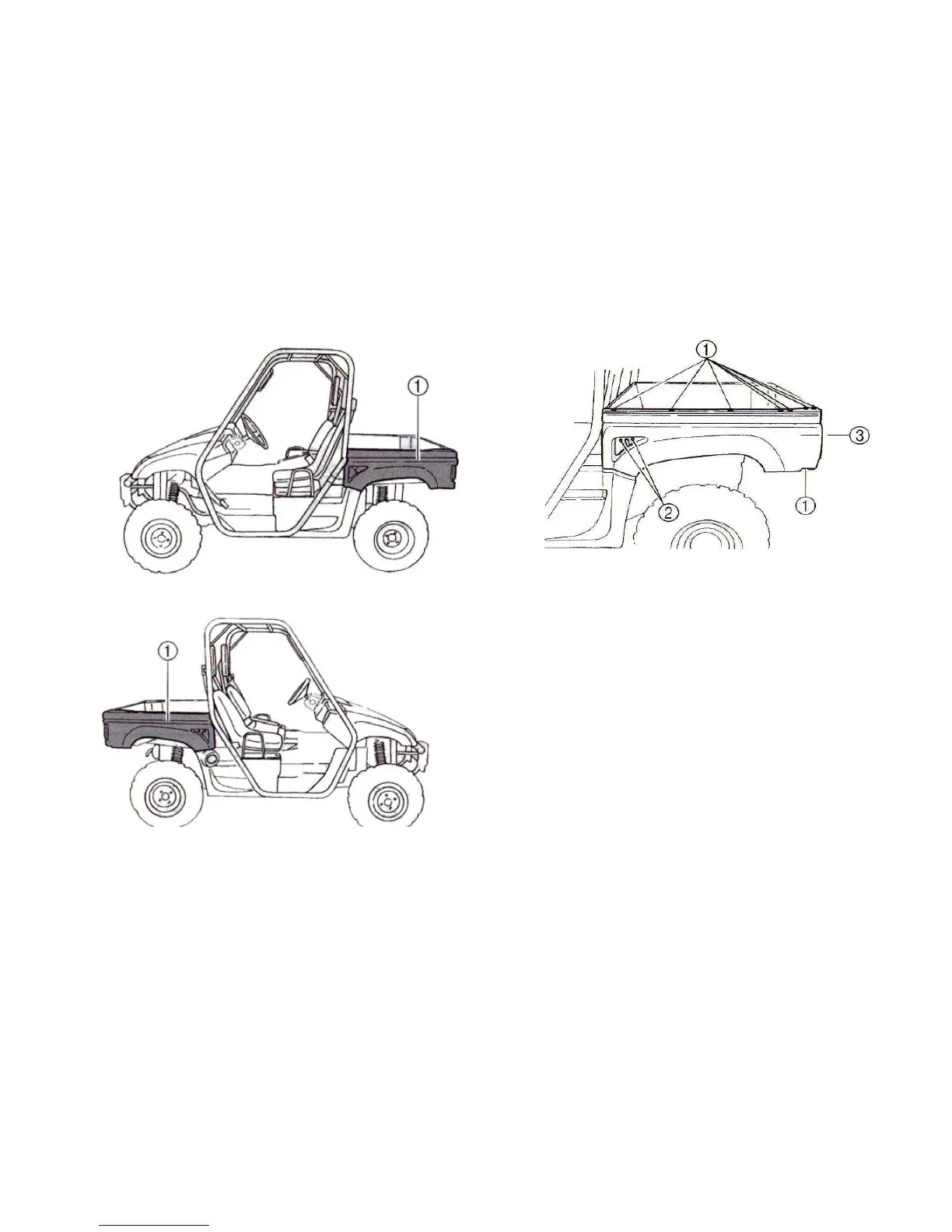
1. Panel A
2. Panel B
1、Quick fastener (x8) 2、Bolt (x2)
3、Panel A
2. Push the defective bulb in and turn it
counterclockwise to remove it from
the bulb holder.
3. Push a new bulb in and turn it
clockwise to install in the bulb holder.
4. Install the bulb holder together with
the bulb by turning it clockwise.
5. Install the panel by installing the



 To Next Page