ENGLISH
ENGLISH-25
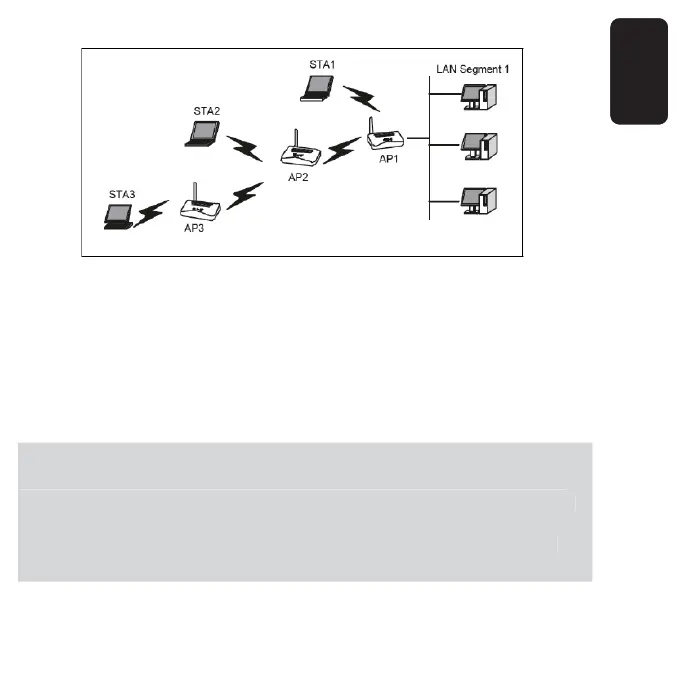
2. Verify the wireless security parameters for all access points, if
needed.
3. Verify connectivity across the LANs. A computer on any LAN segment
should be able to connect to the Internet, or share fi les and printers
with any other PCs or servers which are connected to any of the three
WLAN segments.
You can extend this repeating by adding up to 2 additional
COM-817 confi gured in repeater mode. However, since Repeater
confi gurations communicate in Half-Duplex mode, the bandwidth
decreases as you add Repeaters to the network. Also, you can
extend the range of the wireless network with wireless antenna
accessories.
You can extend this repeatin
b
addin
up to 2 additional
COM-817 confi
ured in repeater mode. However, since Repeater
onfi
urations communicate in Half-Duplex mode, the bandwidth
ecreases as
ou add Repeaters to the network. Also,
ou can
xtend the ran
e of the wireless network with wireless antenna
ccessories



 To Next Page