ENGLISH
ENGLISH-26
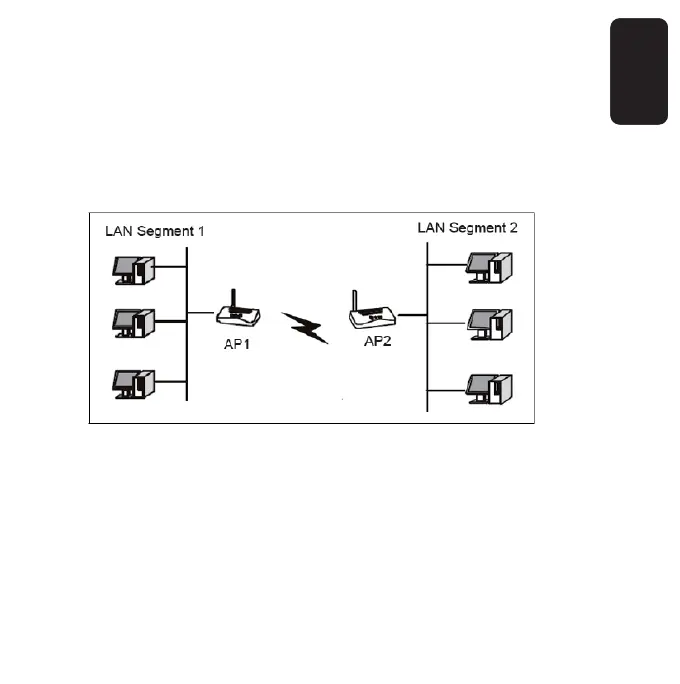
Bridge (Point to Point) - This mode bridges the AP and another
AP also in bridge mode to connect two wired LANs. Please
input the MAC address of the other AP in the fi eld of MAC of
AP.
Here is an example of how to confi gure Point-to-Point Bridge. Please
follow the instructions:
1. Set AP1 on LAN Segment 1 to Point-to-Point Bridge mode.
2. Set AP2 on LAN Segment 2 to Point-to-Point Bridge mode. AP1 must
have AP2’s MAC address in its MAC Address fi eld and AP2 must have
AP1’s MAC address in its MAC Address fi eld.
3. Confi gure and verify the following parameters for both access points:
• Both use the same Channel and security settings if security is
in use.



 To Next Page