ENGLISH
ENGLISH-51
Some settings of the AP will take effect only after rebooting, which
include:
• Change LAN IP Address. (System will reboot automatically)
• MAC Clone (System will reboot automatically)
• DHCP service function.
• Static address assignment of DHCP server.
• Upgrade the fi rmware of the AP (System will reboot
automatically).
• Restore the AP’s settings to factory default (System will
reboot automatically).
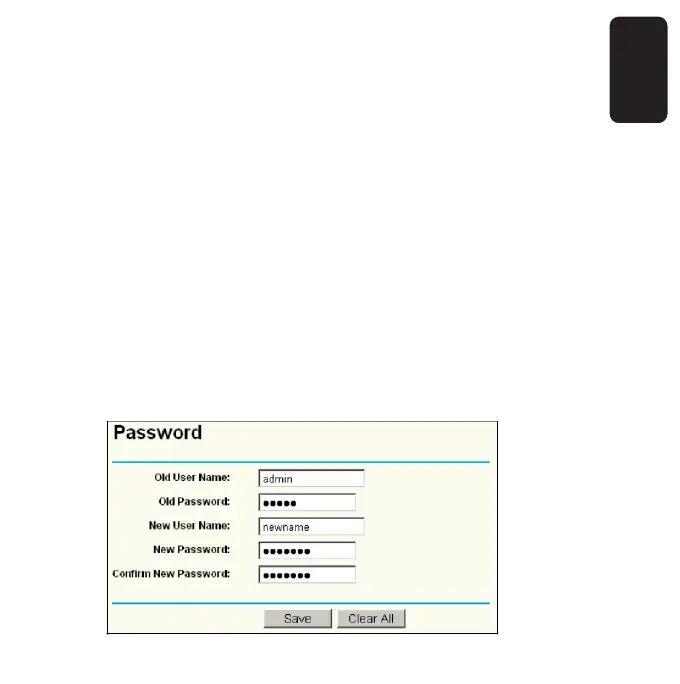
PASSWORD
This page allows you to change the factory default user name and
password of the AP. All users who try to access the AP’s Web-based
utility or Quick Setup will be prompted for the AP’s user name and
password.



 To Next Page