ENGLISH
ENGLISH-52
The new user name and password must not exceed 14 characters
in length and must not include any spaces. Enter the new
Password twice to confi rm it.
Click the Save button when fi nished.
Click the Clear All button to clear all.
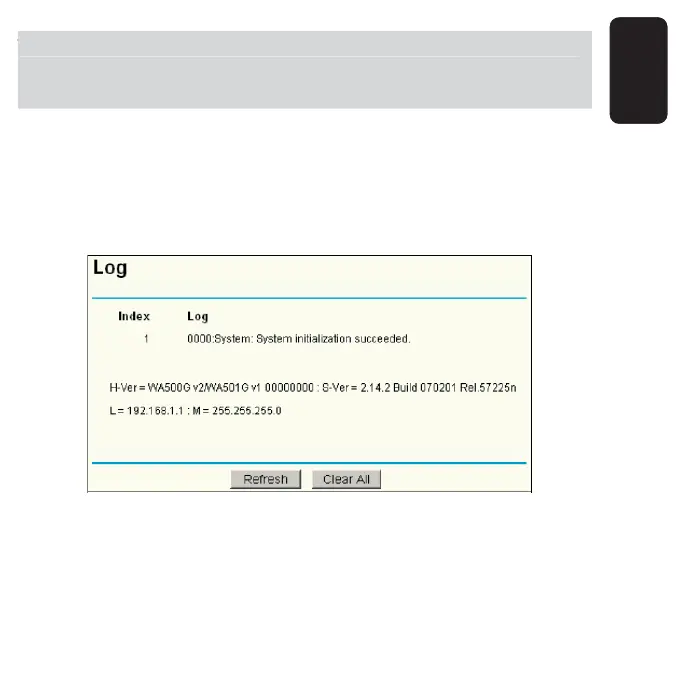
LOG
This page allows you to query the Logs of the AP.
The AP can keep logs of all traffi c. You can query the logs to fi nd what
happened to the AP.
Click the Refresh button to refresh the logs.
Click the Clear Log button to clear all the logs.
he new user name and password must not exceed 14 characters
n
en
t
an
must not
nc
u
e an
spaces.
nter t
e new
assword twice to confi rm it



 To Next Page