Section 17 — Appendix B - BEACH CHAIR and advanced hand control
83
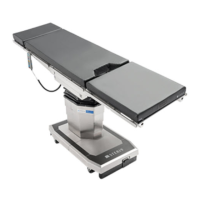
Operator Manual STERIS 5095 General Surgical Table
56404485_C
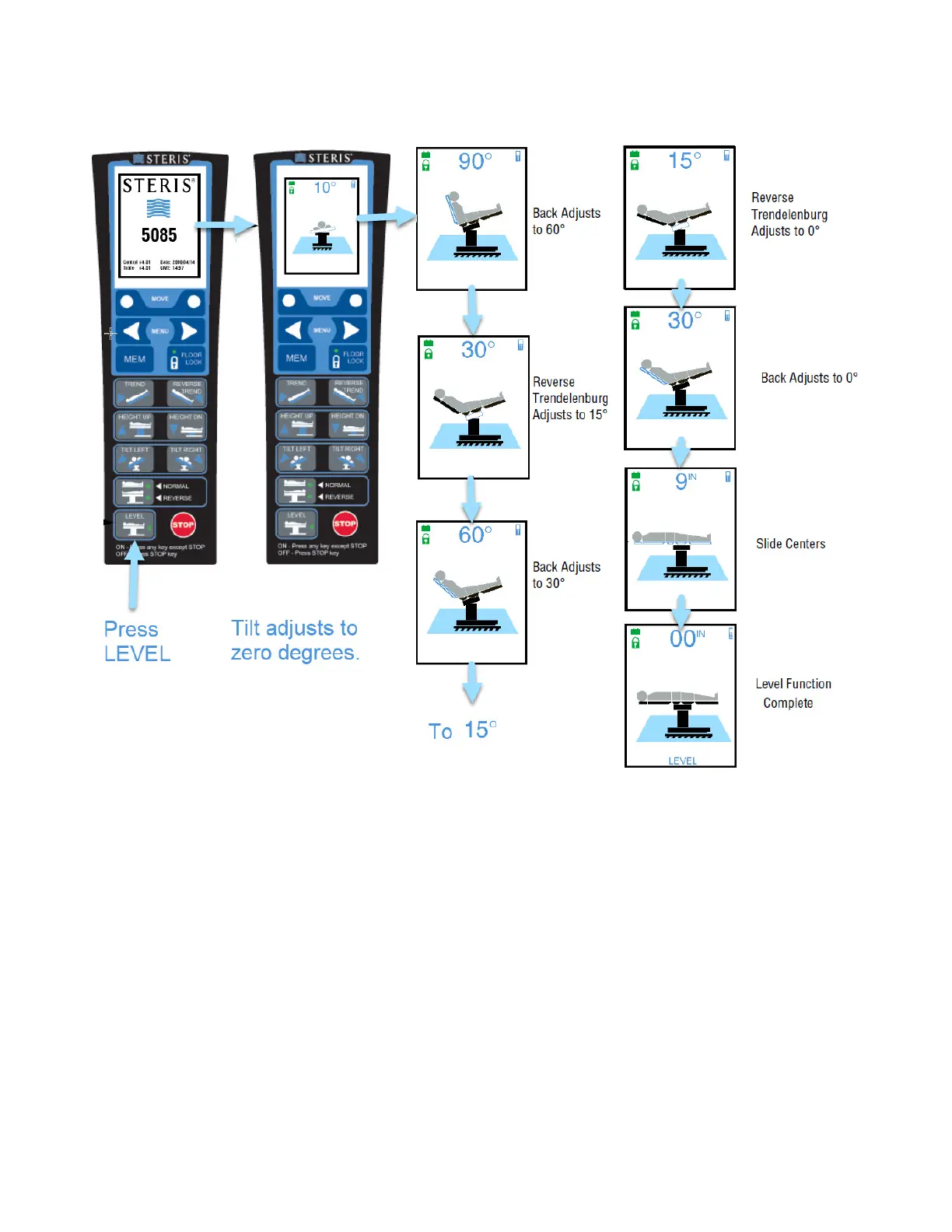
FFiigguurree 1177--44.. LLeevveell TTaabbllee FFuunnccttiioonnss ((TTyyppiiccaall))
17.9 Record Memory Modes
Ensure surgical table is ready for operation as follows:
1. Ensure Head Section is properly installed.
2. Unplug table from facility power.
3. Verify table batteries are charged and table is ON.
4. If patient is on table, ensure patient is properly positioned.
5. Verify Advanced Hand Control is attached to a table side rail within easy reach of the operator.
6. Press MEM (Memory) button.
7. Press left memory arrow until MEM1 or MEM2 screen appears.
8. If recorded position does not exist:




 To Next Page