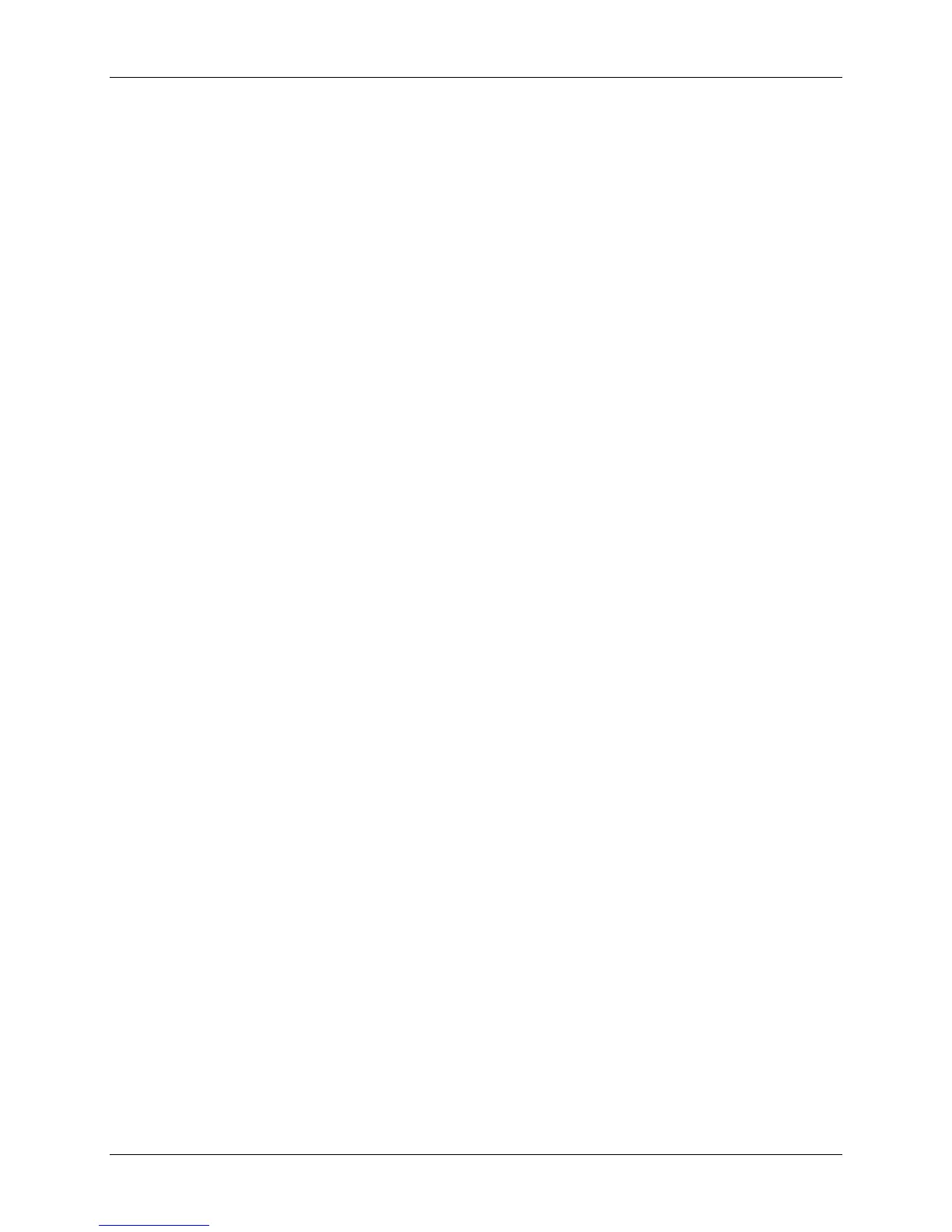
M2B+ Controller
LCD Messages
Autotuning. Appears while tuning is in process.
High Water Alarm. Appears if the option is selected and the switch is closed
Water Pressure/Low Level Alarm. Appears when the Low Water Pressure switch is open
or the optional Low Water switch is closed.
Auto Vent Indicator. Appears in the LCD display when the unit is in Auto Vent mode. The
vent time remaining will also be displayed.
Pump Rotation/Loss Indicator. Appears in the LCD display when the Pump Rotation
switch is open.
Safety Thermostat Indicator. Appears in the LCD display when the Safety Thermostat
switch is open.
‘To Process’ Sensor Open Indicator. “999” appears in the process LED displays when the
‘To Process’ probe is open.
‘From Process’ Sensor Open Indicator. “999” appears in the LCD display for return
temperature (RT) when the ‘From Process’ probe is open.
Remote Probe Sensor Open Indicator. “999” appears in the LCD display for mold
temperature (MT) when the Remote probe is open.
High Alarm Indicator. Appears in the LCD display when a High Alarm condition occurs.
Low Alarm Indicator. Appears in the LCD display when a Low Alarm condition occurs.
‘From Process’ Temp Indicator. Appears in the LCD display when the temperature display
is showing the ‘To Process’ temperature.
Delta Temp Indicator. Appears in the LCD display when the temperature display is showing
temperature differential.
High Heat Output Indicator. Displays status in the LCD display when full power heat
output is applied.
Low Heat Output Indicator. Displays status in the LCD display when half power heat
output is applied. When the optional proportional output is installed, the display will show the
percentage of output.
Cool Output Indicator. Displays status in the LCD display when the cool output is applied.
When the optional proportional output is installed, the display will show the percentage of
output.
Ramp/Soak Indicator. Displays the ramp/soak segment status and remaining time in the
LCD display.
Second Setpoint/Remote Start. Displays status in the LCD display when either function is
selected.
Communications Local/Remote.
Weld Contact. Appears in the LCD Display when a Weld Contact Alarm condition occurs.
Chapter 2: Functional Description 13 of 65


 To Next Page