4 Operation
Setup
Orange Charging
Green
Fully charged
NOTE
When charging is finished, disconnect the
connector from the socket and place it in the
designated pocket.
Setup
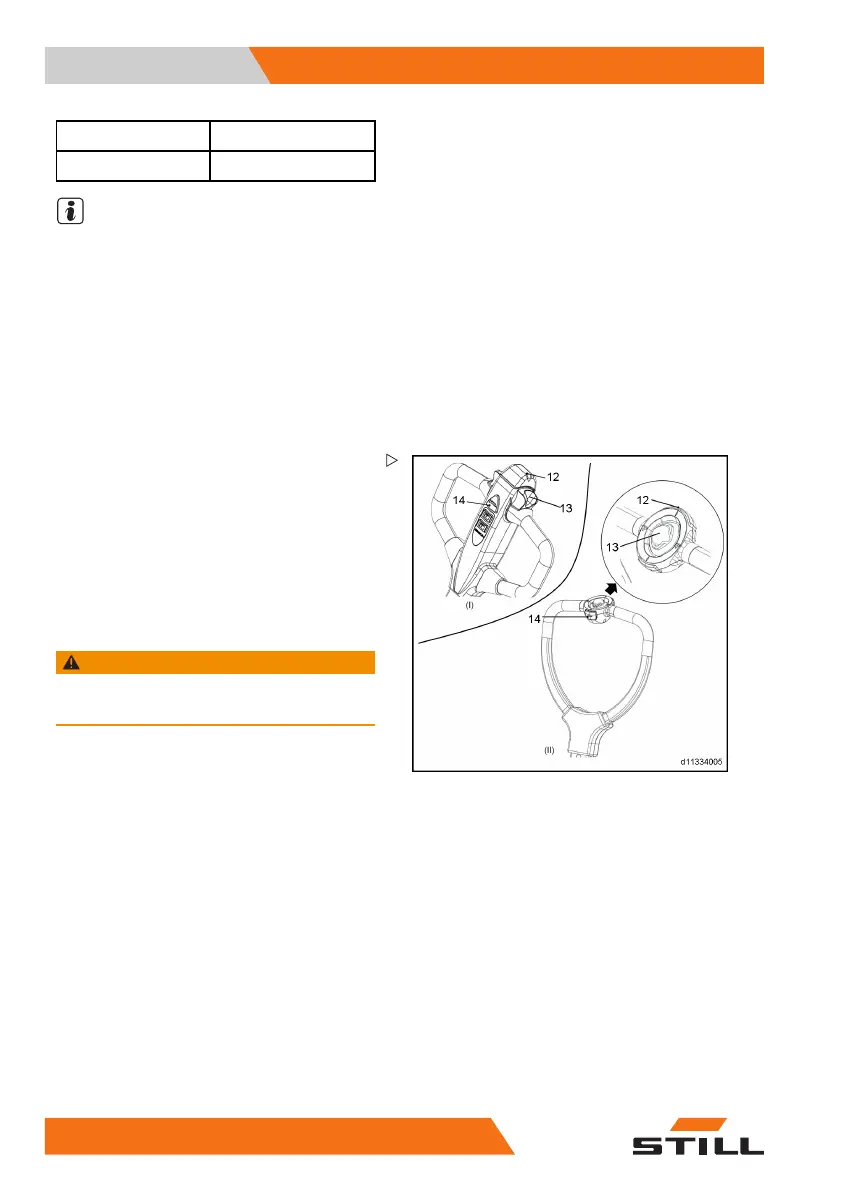
Checking the safety (belly) button
Safety (belly) button's function
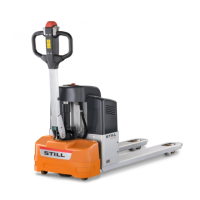
The truck is equipped with a safety (belly)
button(12) which switches the driving direction
away from the operator, if the truck travels
towards the operator and the tiller is activated
in the tillers operating zone.
Normal operation may be resumed after
releasing the drive direction switches.
Checking the safety (belly) button
WARNING
Ensure that the t
est zone is free of people and
objects, both in
front of and behind the truck.
– Operate the drive direction switch in back-
ward direction.
The truck moves backward.
– Activate the safe
ty (belly) button(12).
– The truck travels in the opposite direction.
– Release the safety (belly) button, then the
truck stops.
– Reset the till
er, the truck can be operated
normally.
44 1
133 801 16 01 EN - 11/2018


 To Next Page