For TENS preset modes (Prog 0- Prog 11), if a
preset mode is working, press this key to skip a phase
(sub-programs Ⓐ Ⓑ Ⓒ). For EMS preset modes
(Prog 20- Prog 29), if a preset mode is working, press this
key to choose the treatment status.
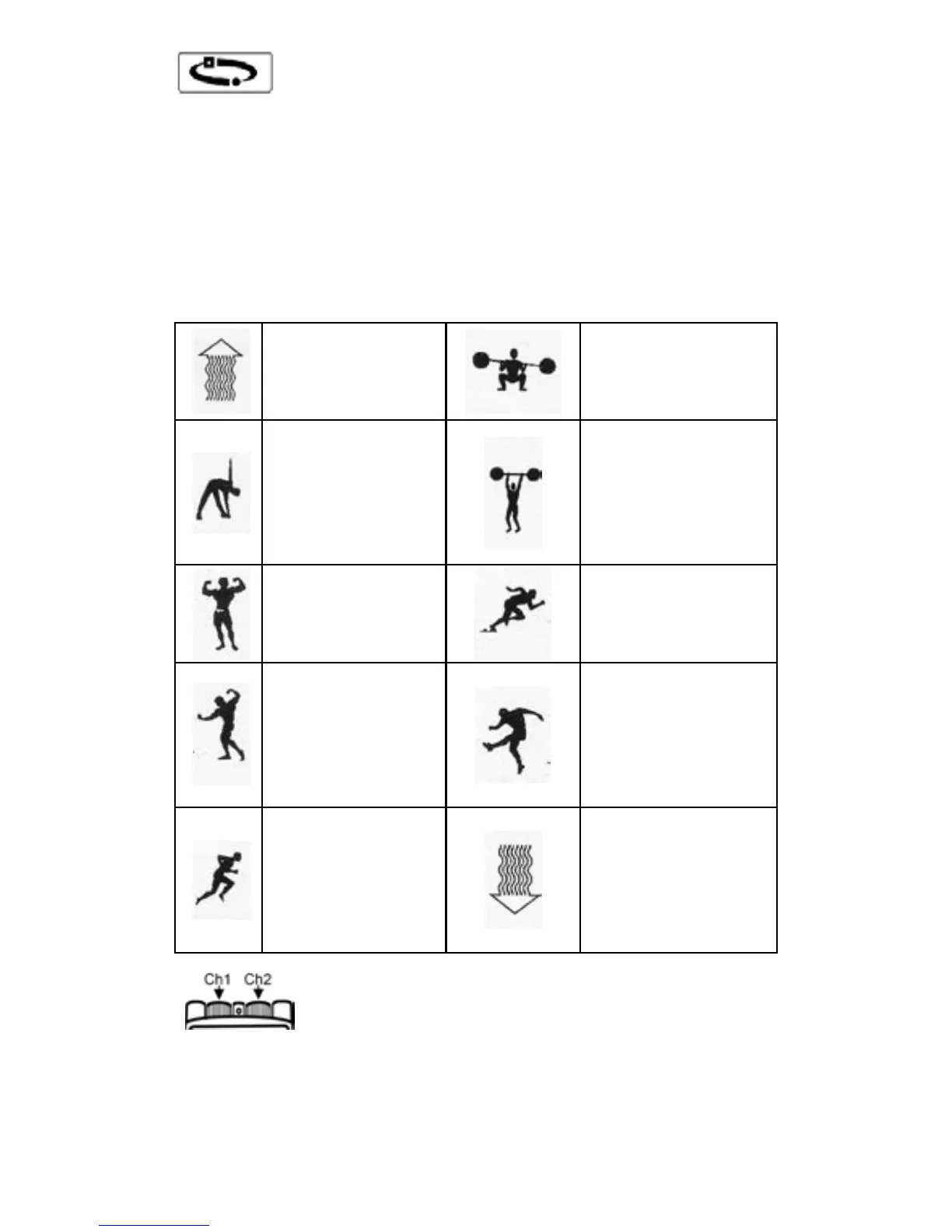
The treatment status symbols below will be displayed
automatically base on the choice of the user:
FAST FORCE
HARDENING
EXPLOSIVE
FORCE
RESISTING
FORCE
PROGRESSIVE
RECUPERATION
These two rotated knobs located on the top
of the unit adjust the intensity of channels, the left side is
for Ch1, and the right side is for Ch2. Turn the knob and
the intensity over zero, the corresponding LED light
located at the top of the knob will light up.
- 17 -



 To Next Page