30
3.2. Pre-installed programs
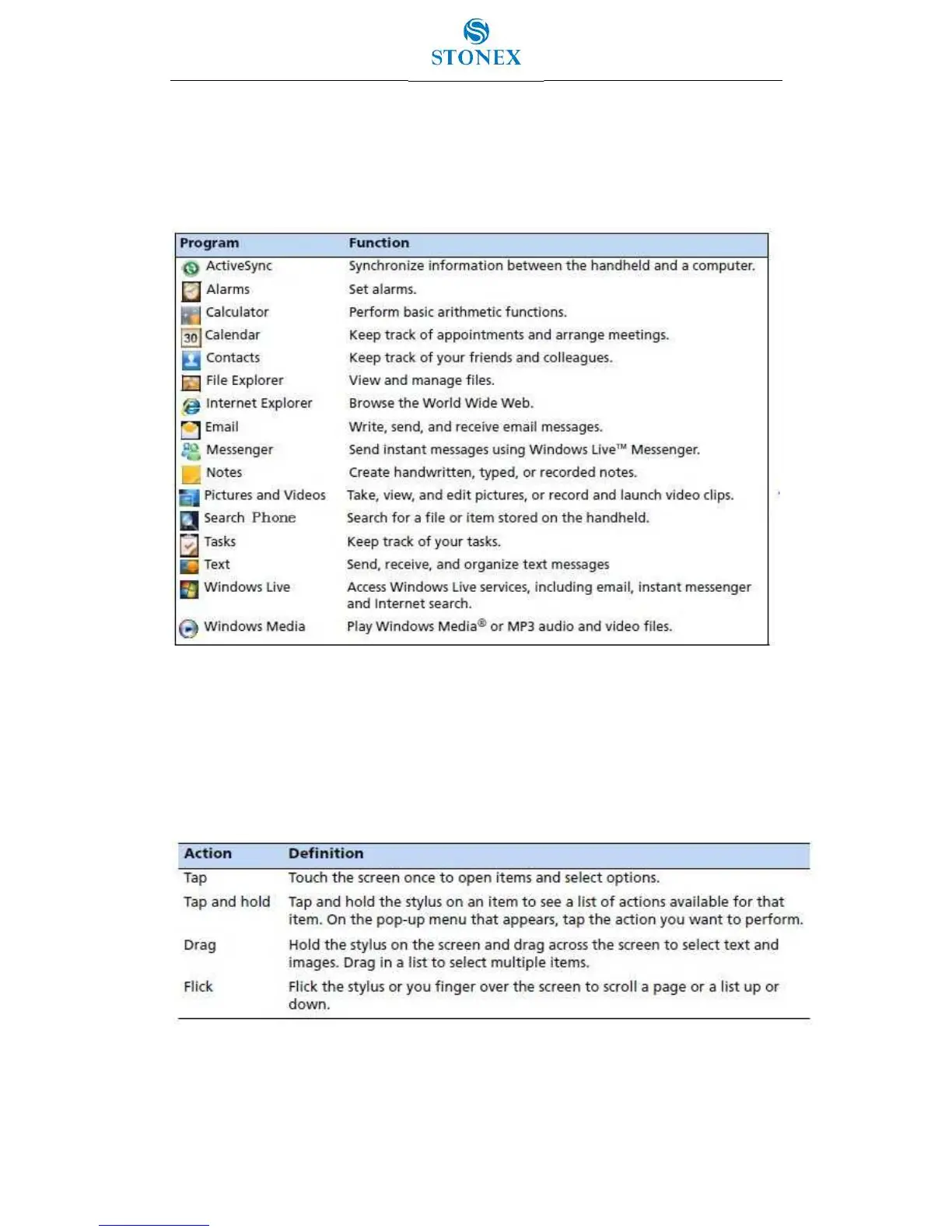
Programs that are pre-installed on the S7 series handheld are as follows
(Table 3.2.1 – Pre-installed programs):
Figure 3.3.1 – Pre-installed programs
3.3. Interacting with the handheld
To interact with the handheld use the stylus or your finger to tap items on the touch screen
or to scroll up or down (Table 3.3.1 – Interaction stylus/finger and items).
If at any time the touch screen does not respond correctly to stylus taps or your finger,
realign it following the path: Windows Main page/Settings/System/Screen/Align Screen.
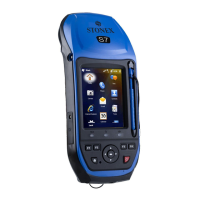
The stylus is located on the rear of the handheld. To remove the stylus from its holder slide
the stylus downwards.


 To Next Page