32
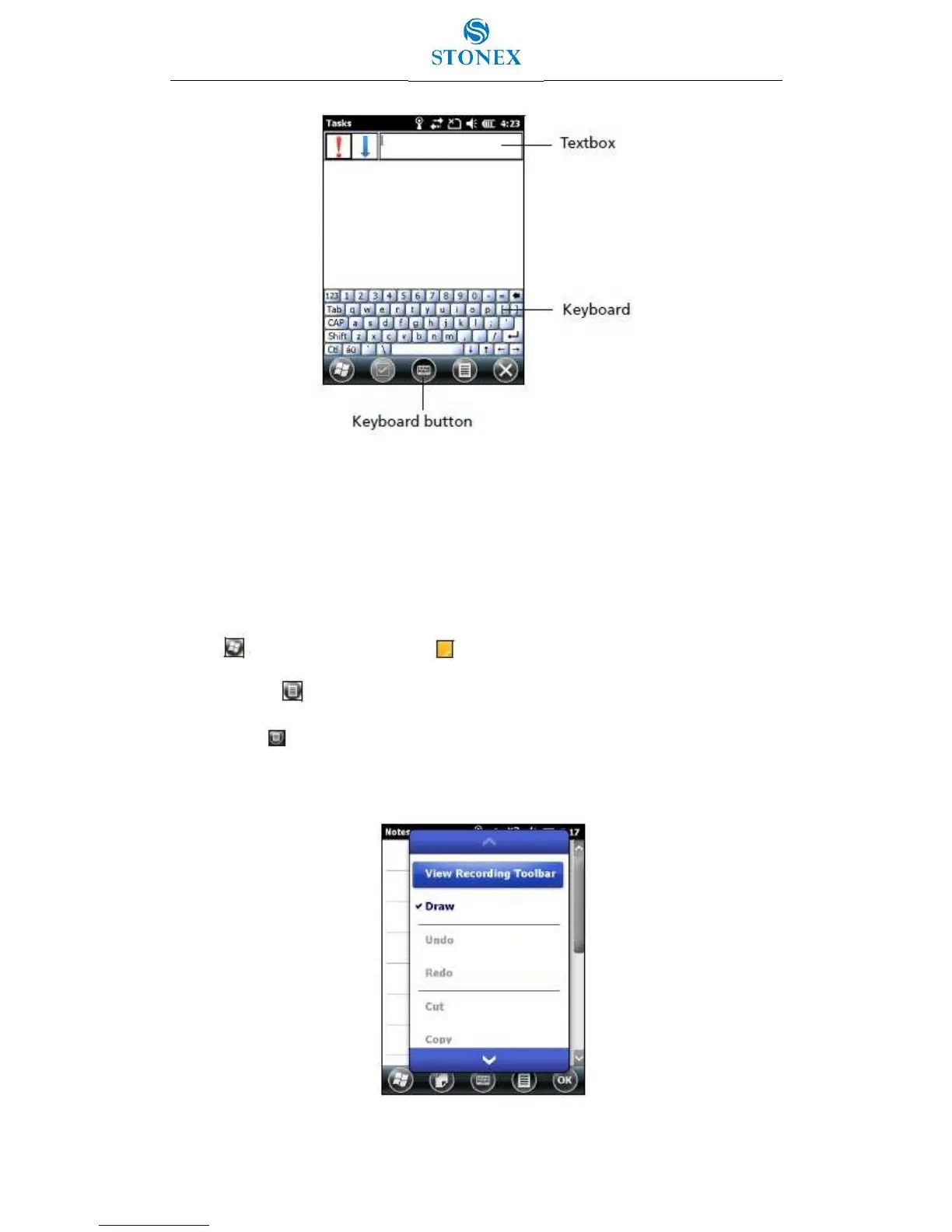
Figure 3.5.1 – On-screen keyboard
Drawing and writing directly on screen
In some applications, for example Notes, you can draw (or write directly) on the screen using
the stylus.
1. Tap and then tap the Notes icon .
2. Tap the Menu icon.
3. Select Draw and then select Draw.
4. Use the stylus to write or draw on the screen.
Figure 3.5.2 – Selecting Draw



 To Next Page