Stonex S9i GNSS Receiver – User Manual 7
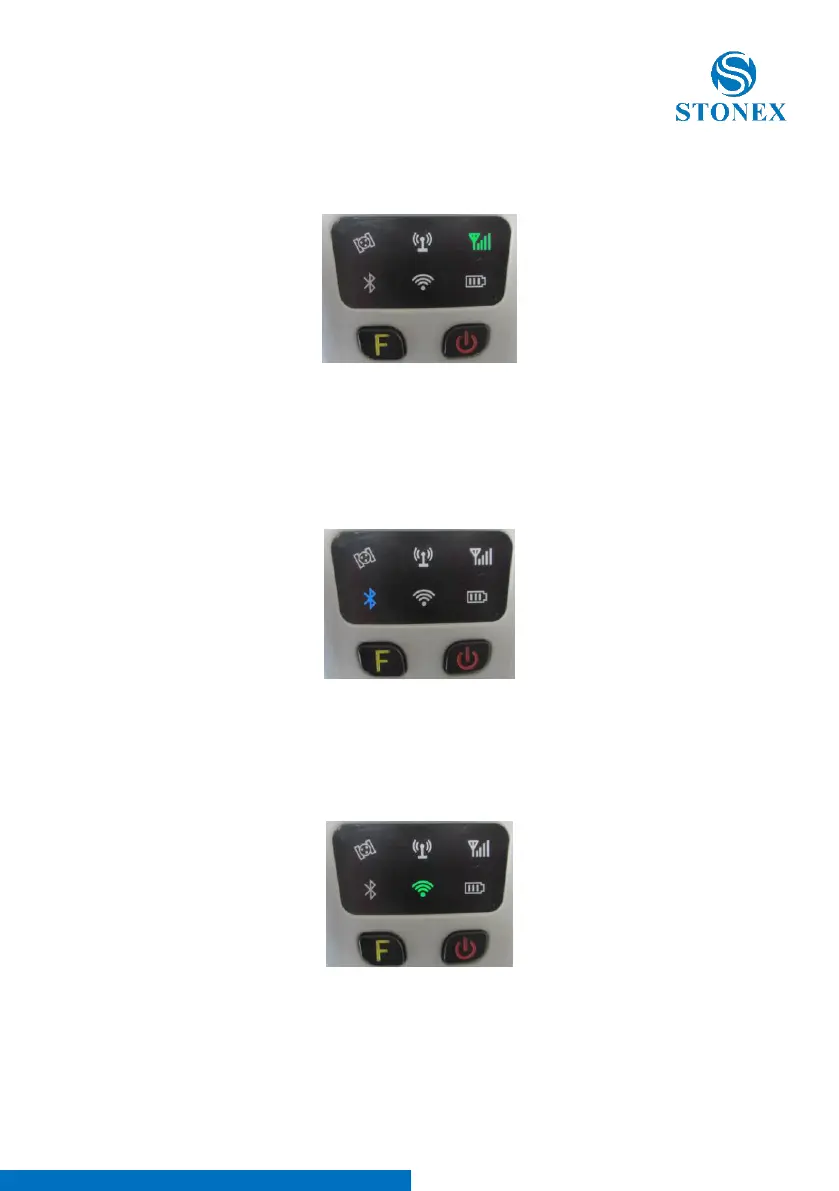
This light is on when GSM/GPRS module is selected as RTK datalink. It starts
to blink when there is data transfer ongoing (download in rover mode and
upload in base mode).
Figure 3 - 4 Network led
Bluetooth led (blue)
Once you have connected the receiver to the handheld via Bluetooth, this led
will be on. This led is switched off Bluetooth is not connected .
Figure 3 - 5 Bluetooth led
WIFI led (green)
This led will on when you turn on the WIFI function. When you turn off the
WIFI function, this led does not shine.
Figure 3 - 6 WIFI led



 To Next Page