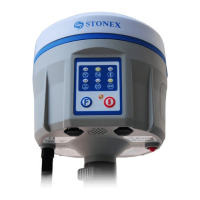
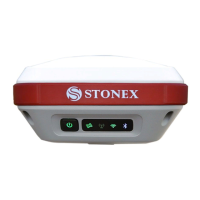
The license is composed of a 32 characters code.
For inserting the new license you can use RTK software STONEX
®
SurvCE: you have to enter
into the submenu “Equipment” “GPS utilities” “Send command”, then write the command
“SET,DEVICE.REGI,[license code]”.
However it is also possible to register the receiver using the STONEX
®
Assistant
, a software
tool which is explained in Chapter V.


 To Next Page