19
ANALOGUE PROGRAMMER / CLOCK (if fitted)
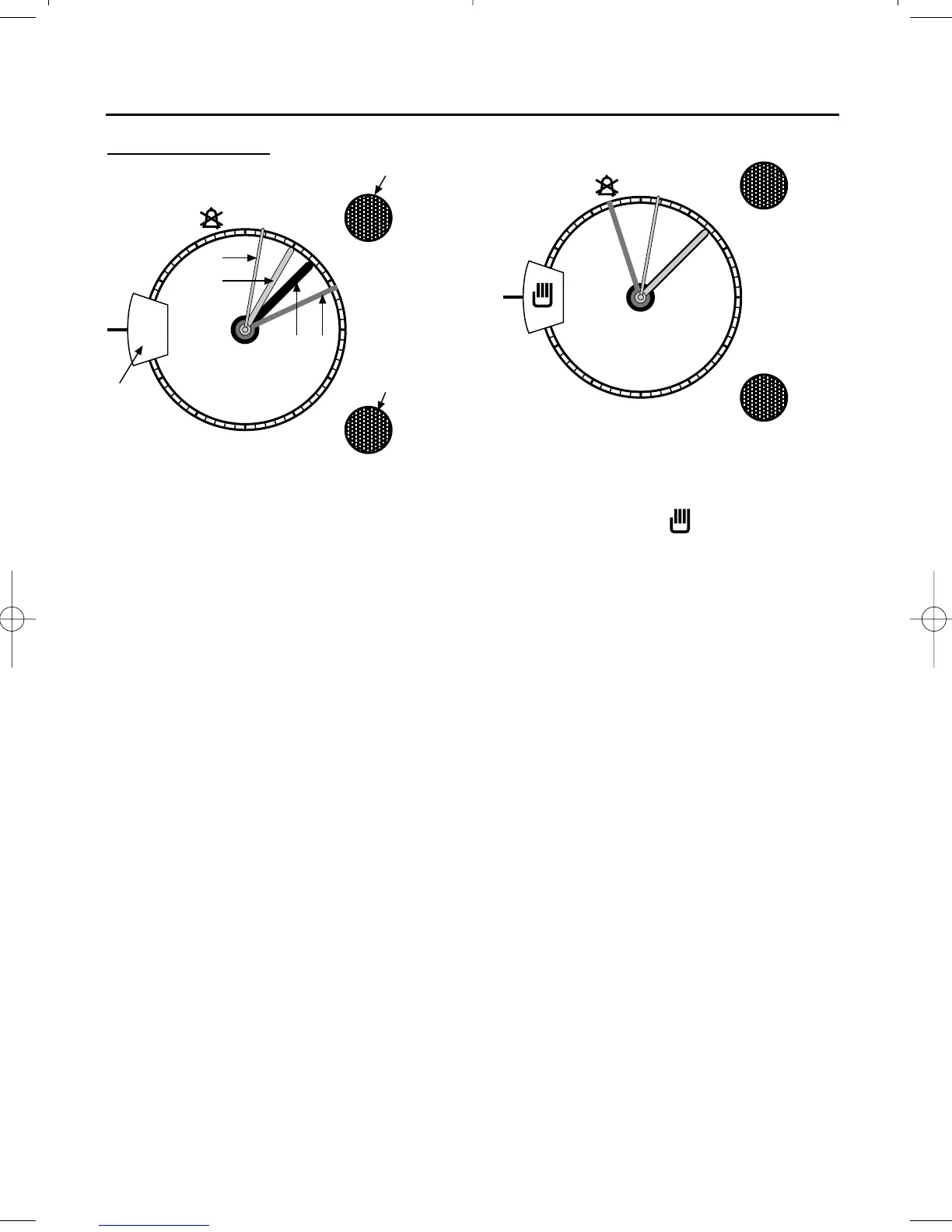
Analogue clock
A Clock minute hand
B Clock hour hand
C Orange cooking start time hand
D Yellow minute minder hand
E Cook time knob
F Minute minder knob
G Window
To set the time of day
Pull out the “minute minder” knob and
- keeping it pulled out - turn the knob
until the time of day is set.
Once the hands of the clock are at the
correct time of day, release the knob
to set the clock.
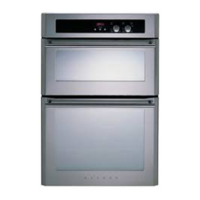
Manual operation
For the appliance to be used manually,
the clock must be set for manual
operation - ie; the manual symbol
must be showing in the window, and
the orange “start time” hand must be
level with the hour hand on the clock.
1. Turn the “cook time” knob clock-
wise to the “0” symbol.
With “0” showing in the window,
pull out and turn the “cook time”
knob until the orange “start time”
hand is level with the clock hour
hand. Release the knob.
2. Turn the “cook time” knob to the
manual symbol.
The clock is now set to manual.



 To Next Page