Strand 100 Console Manual Page 13
Single Scene Operation
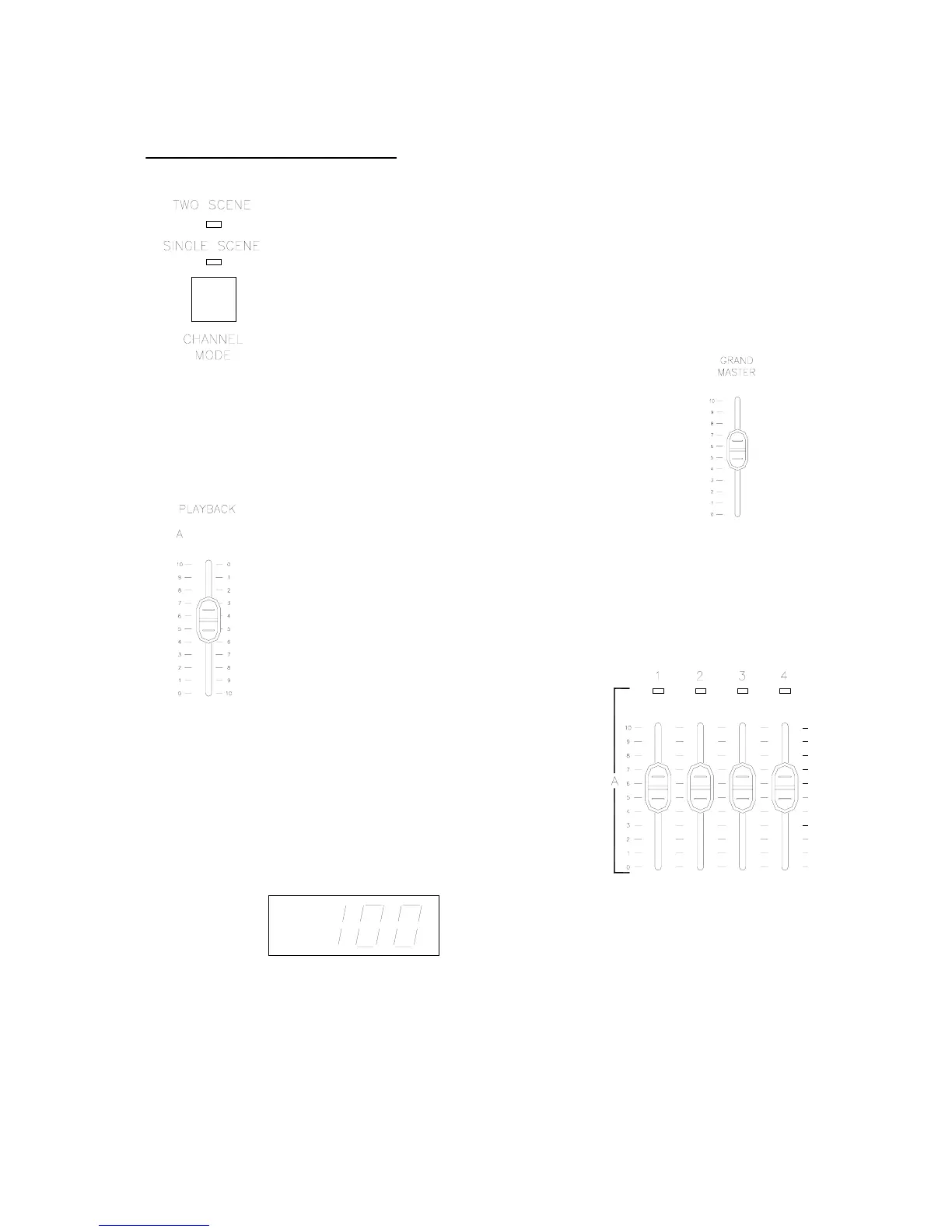
Make sure the channel mode button has the console in the
single scene mode. Change the mode by pressing the channel
mode button. (The corresponding light will be on)
Make sure the grand master is at full or at the desired level.
Make sure the playback A master is at full or at the desired level.
Once the above are set, simply set the faders (1 – 24)
to the appropriate levels. At this point, the dimmers
should correspond to the level of the faders. The fader
output of the fader that is being adjusted will be shown
in the LED display on a scale from 0 to 100.
Refer to the HOLD section for crossfade information.


 To Next Page