Page 12 Strand 100 Console Manual
Operation
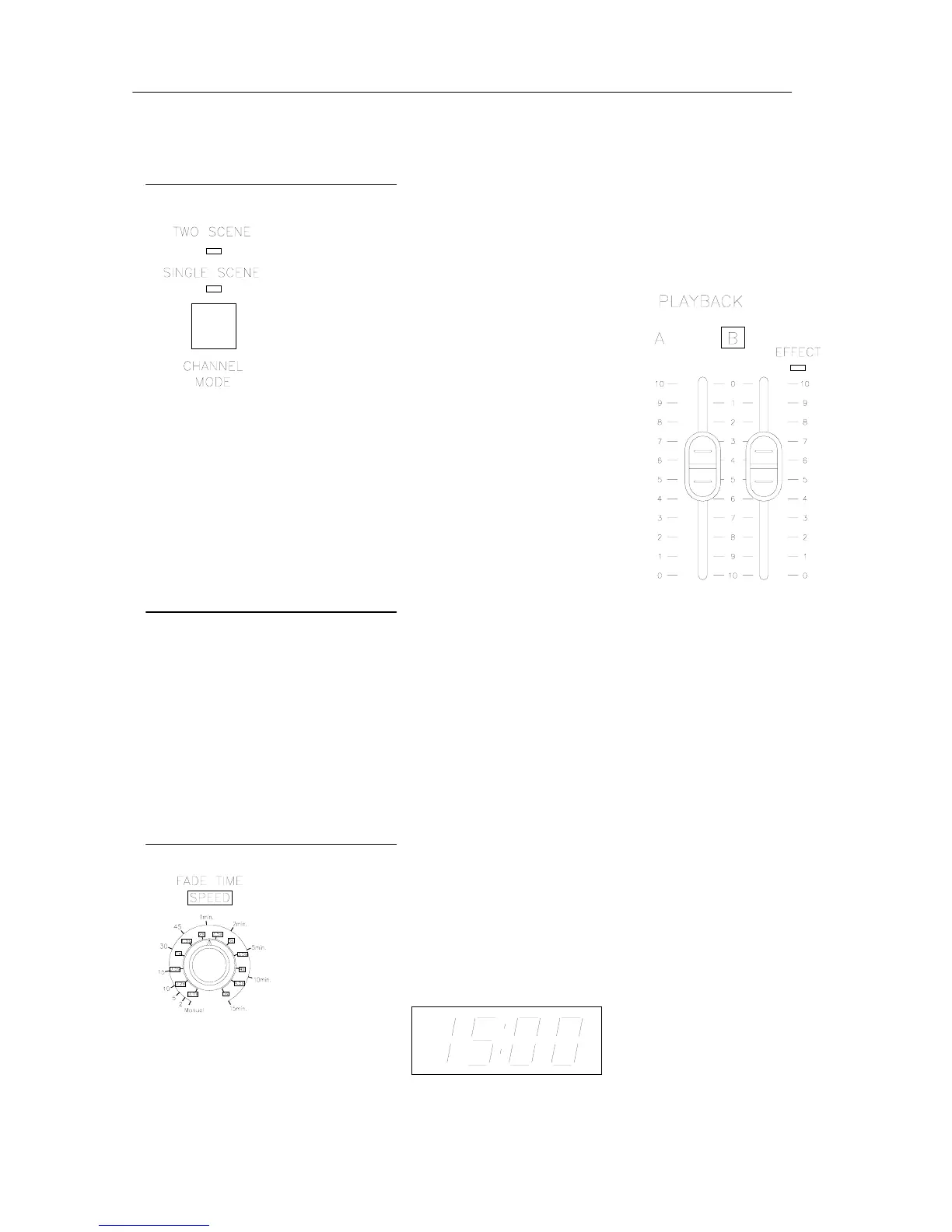
Two Scene Operation
The first time you power up the console, it will default to two
scene mode. The corresponding light will confirm that the
console is in two scene mode.
Now playback A will be the scene master for the top bank of
channel faders and playback B will be the scene master for
the bottom bank of channel faders. These two banks of
faders both correspond to dimmers 1 – 12.
Manual Crossfades
Playback A is at full when the fader is in the UP position and at 0 when the fader is in
the DOWN position. Playback B is just the opposite of playback A. (Refer to the
vertical numbering beside the playbacks). This allows for proportional crossfades by
moving both faders simultaneously in the same direction.
Individual channel fader control works the same in two scene mode as it does in one
scene mode.
Timed Crossfades
For timed crossfades – use the same procedure as the manual
crossfade but with the fade timer set to the preferred fade time.
The LED display will show the fade time that is set. Timed
crossfades can vary from 0 (Manual) to 15 minutes.


 To Next Page