Strand 100 Console Manual Page 15
Effect – Single Scene Mode
An effect is a way to get fast changing output of dimmer levels in
a specific order. The effect capability of this console is limited
but simple to do. The console can run one effect.
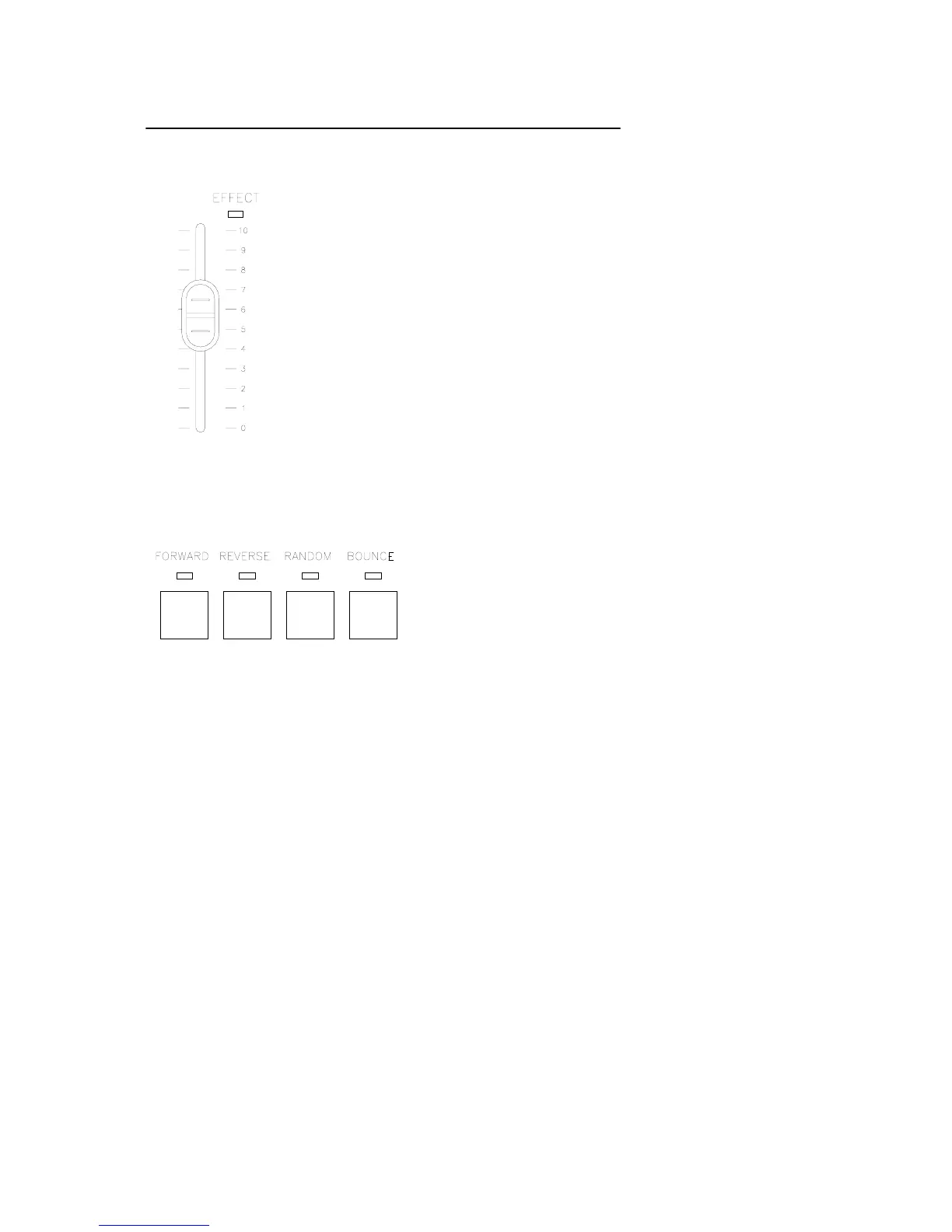
Set the console to single scene mode. Set playback A to 0
(Down) and playback B to 0 (Up). Playback B will become the
effect master. (See the colored information beside the Playback
B). Set current fader levels to include only the faders that will be
in the effect. Set them to any level from 1 to 100.
Press one of the effect buttons (Forward, Reverse, Random,
Bounce).
Forward will allow the active faders to chase in
order from the lowest number to the highest
number. (1 – 24).
Reverse will allow the active faders to chase in
order from the highest number to the lowest
number (24 – 1)
Random will allow the active faders to chase in a randomly generated order.
Bounce will allow the active faders to chase, first, in order from the lowest number to
the highest and then, from the highest number to the lowest.
The lights will now be chasing in one of the 4 directional modes. The effect master
will inhibit the levels of all effect channels. The fade time rotary becomes the
SPEED dial. Set the speed of the effect appropriately. Check the LED display for
your rate.
The effect can be faded in rather than the effect starting abruptly by pulling down the
effect Master and fading it up at the appropriate time.


 To Next Page