Page 14 Strand 100 Console Manual
Hold
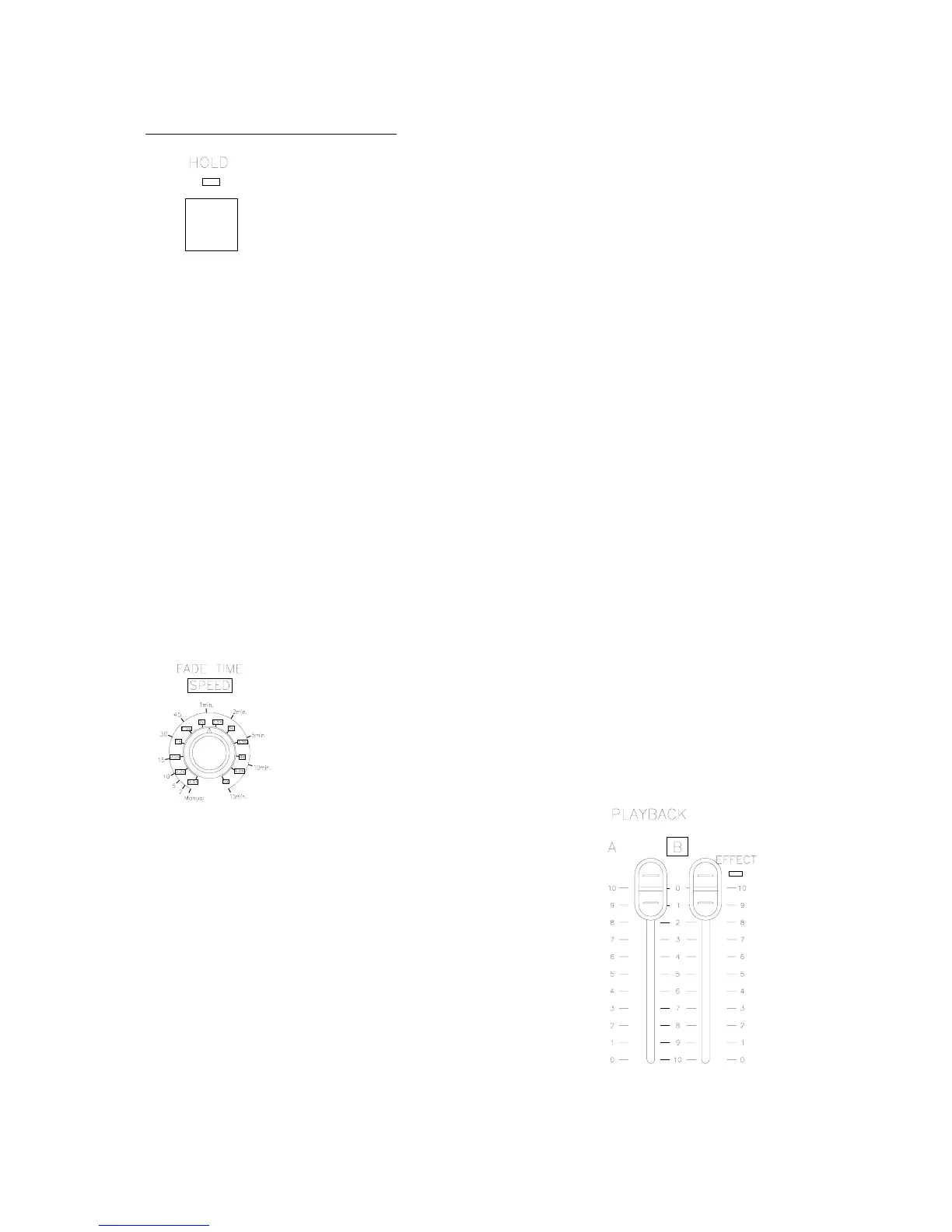
In single scene mode only, using hold allows the operator to
freeze all dimmer output and manually reset the levels for all 24
faders to create a different look on stage. Here’s how it works…
Select current settings with channel faders. Make sure playback A master is at 10
and playback B master is at 0. (That’s both playbacks in the UP position). The hold
feature can only be activated and deactivated with playbacks in these positions.
Press the hold key (The hold LED will now be on), move playback A’s master to 0
while moving playback B’s master to 10. During the crossfade, the hold LED will be
flashing.
The current fader settings will now be recorded into hold’s memory. (The hold LED
will stop flashing but remain on indicating the activation of the hold feature. The
operator is now free to reset all channel faders to the levels for the next cue. Once
the channel faders are set, crossfade playback A’s master back to 10 and playback
B’s master back to 0. (During crossfade the hold LED will flash) After a crossfade is
completed, the second cue will now be outputting live. (The hold LED should still be
on) Repeat the above step for the next crossfade or press hold again to release the
hold function. After pressing hold, the hold LED should turn off.
Also note, that playback B is now the master for the held scene. So if playback B is
moved to 0 (UP) then the held state fades out.
For timed crossfades – use the same procedure as the manual
crossfade but with the fade timer set to the preferred fade time.
The LED display will show the fade time that is set.
Remember: Hold can only be accomplished with both
faders in this position.


 To Next Page