Stratasys J850/J835 User Guide 4 Operating and Maintaining the Printer
DOC-18001 Rev. N 4-112
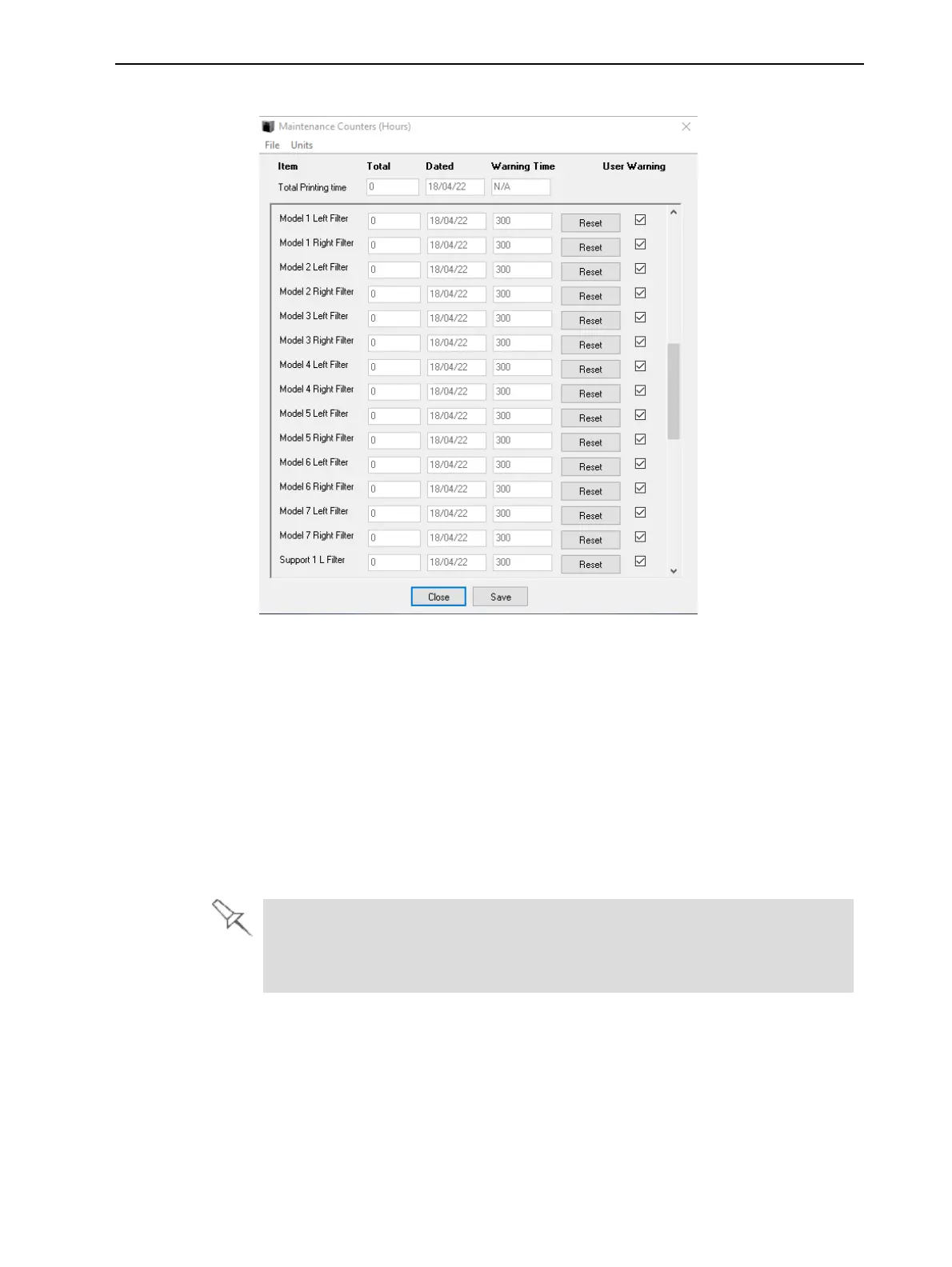
10. In the Maintenance Counters screen, click Reset and then Close.
Figure 4-172 Maintenance Counters screen, showing material filters
(sample)
For more information about maintenance counters, see "Maintenance
Counters" on page 4-43.
Replacing the Odor Filter
If the printer exhaust is not connected to an external ventilation system, a
built-in activated-carbon filter removes odors from printing materials. This filter
should be replaced regularly (as necessary) to keep your working environment
pleasant. This is normally done during the preventive-maintenance service
visit.
If the printer exhaust is connected to an external ventilation system, the
odor filter is not needed and should be removed from the printer.
Odor filter removal improves heat expulsion and system cooling.















 To Next Page