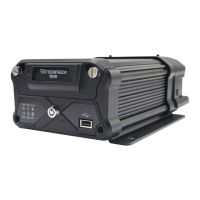
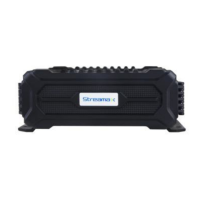
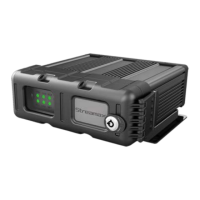
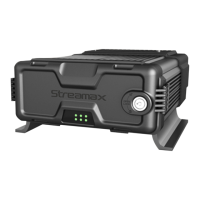
User Manual for X7-E1608
For more information, please visit our website www.en.streamaxtech.com
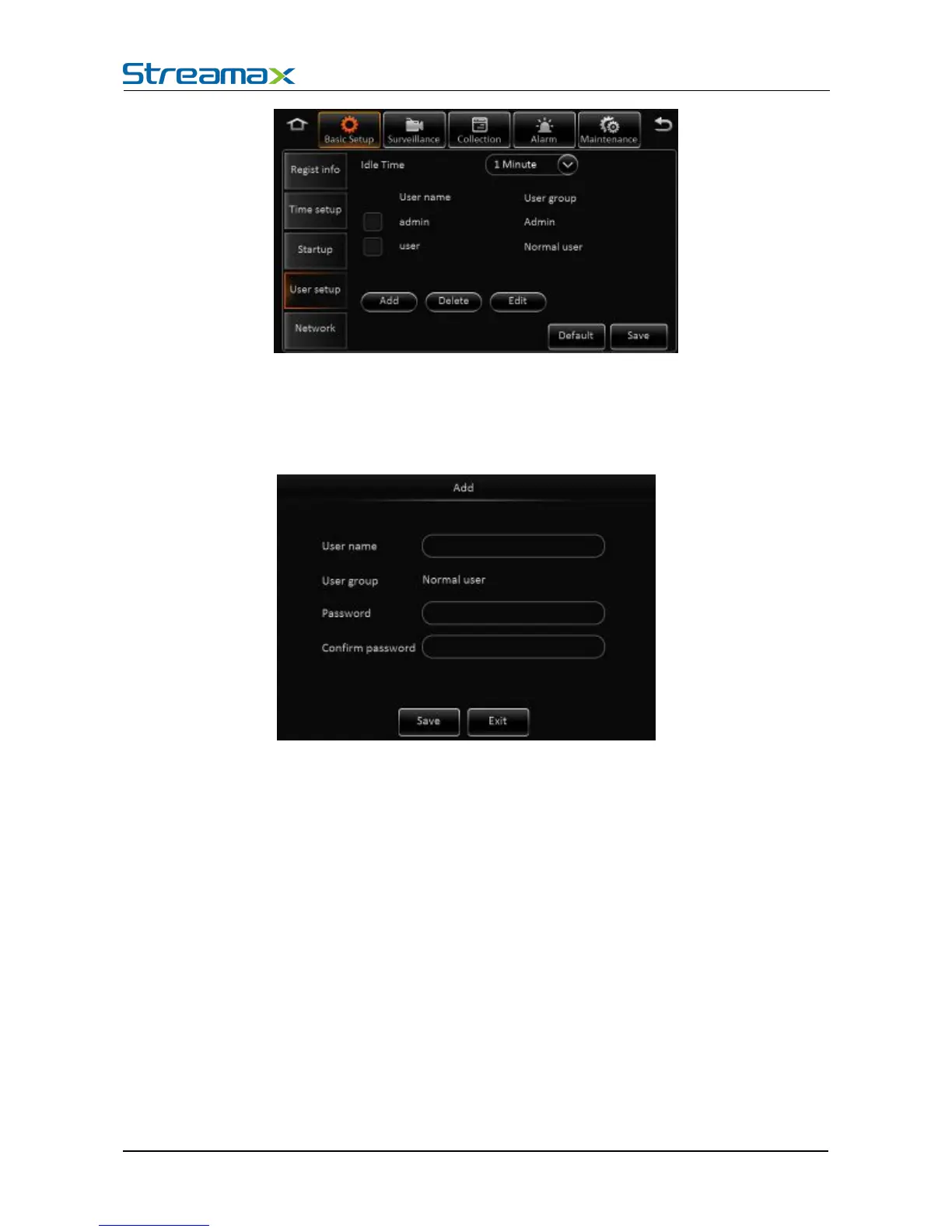
User name: The default ones are admin and user.
User Group: It is divided into administrator and ordinary user.
Supports delete user function. Select the user and click "Delete User" button. Please be noted
that the administrator can not be deleted.
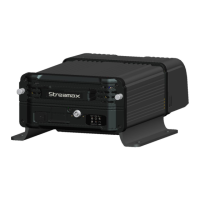
Supports add user function. Click "Add User" button, then enter the following interface
1) Only administrators can add users.
2) Users can add up to two.
3) User name cannot be empty, not the same with the existed user name while the user password can
User name and password can be modified. Select a user, click the "Edit User" button, enter the







 To Next Page