User Manual for X7-E1608
For more information, please visit our website www.en.streamaxtech.com
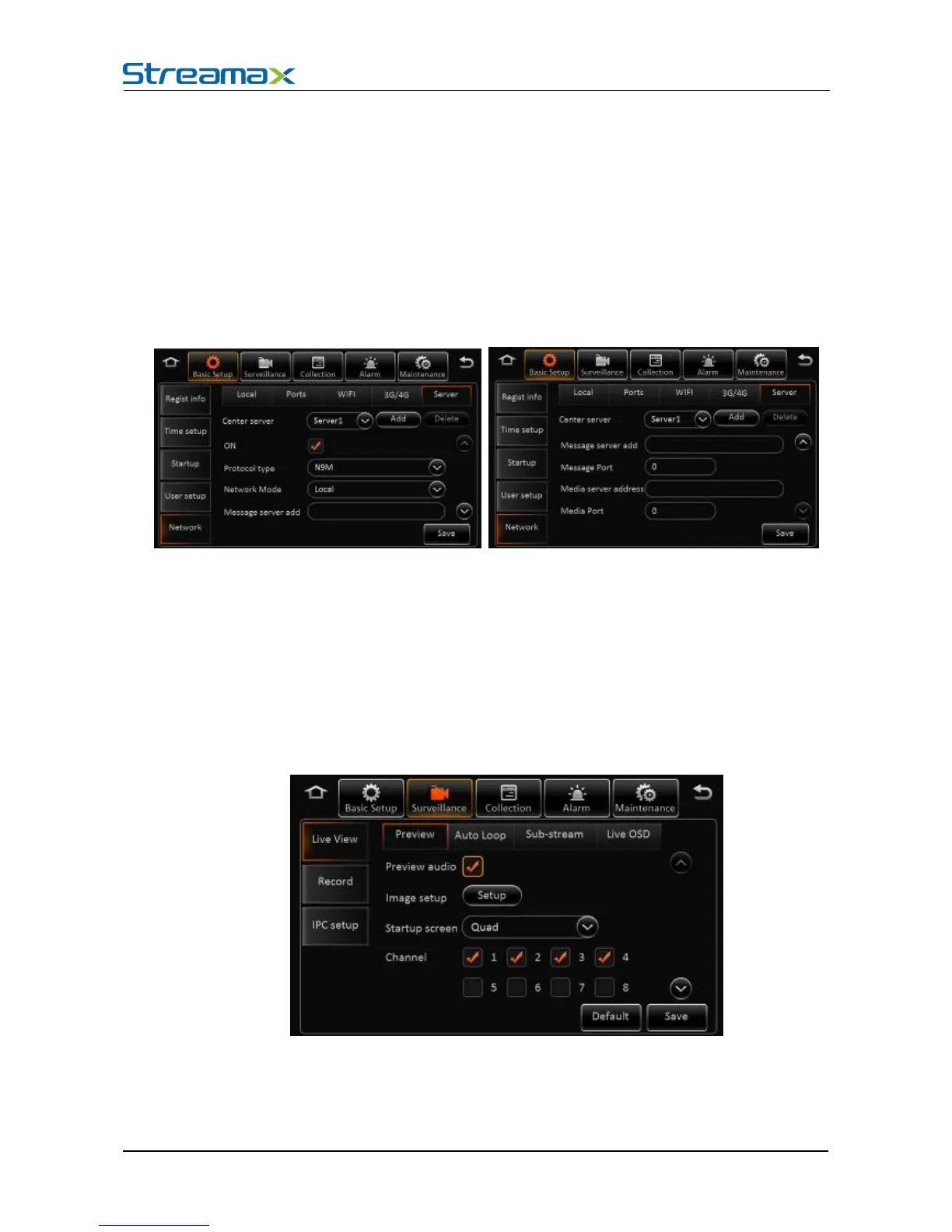
Network type: The default one is Mix, 2G/3G ot 2G/3G/4G optional.
Dialing parameter:It includes access point, user name, password, data service number, and
enter SIM parameters provided by the manufacturer. The default is empty, the program comes
with empty arguments by dialing.
Certification:Supports PAP or CHAP.
Remark:
When there is SIM and normal 3G/4G signal, it will dial automatically.
Server’s IP address and port are needed for device registering to server. Select CMS if there is
wire or WIFI. Set up central IP and port, Select 4G CMS when dialing wireless network.
By default, there is only one server, but user can add other server up to 6. Server 1 can’t be deleted.
5.1. REAL-TIME SURVEILLANCE
Surveillance-->Real-time Surveillance
Real-time Setting Interface:
Audio: Enable the audio when live view the video
Image Setting: Set the live-view parameters, including brightness, contrast, etc.




 To Next Page