User Manual for X7-E1608
For more information, please visit our website www.en.streamaxtech.com
Operation Instrument
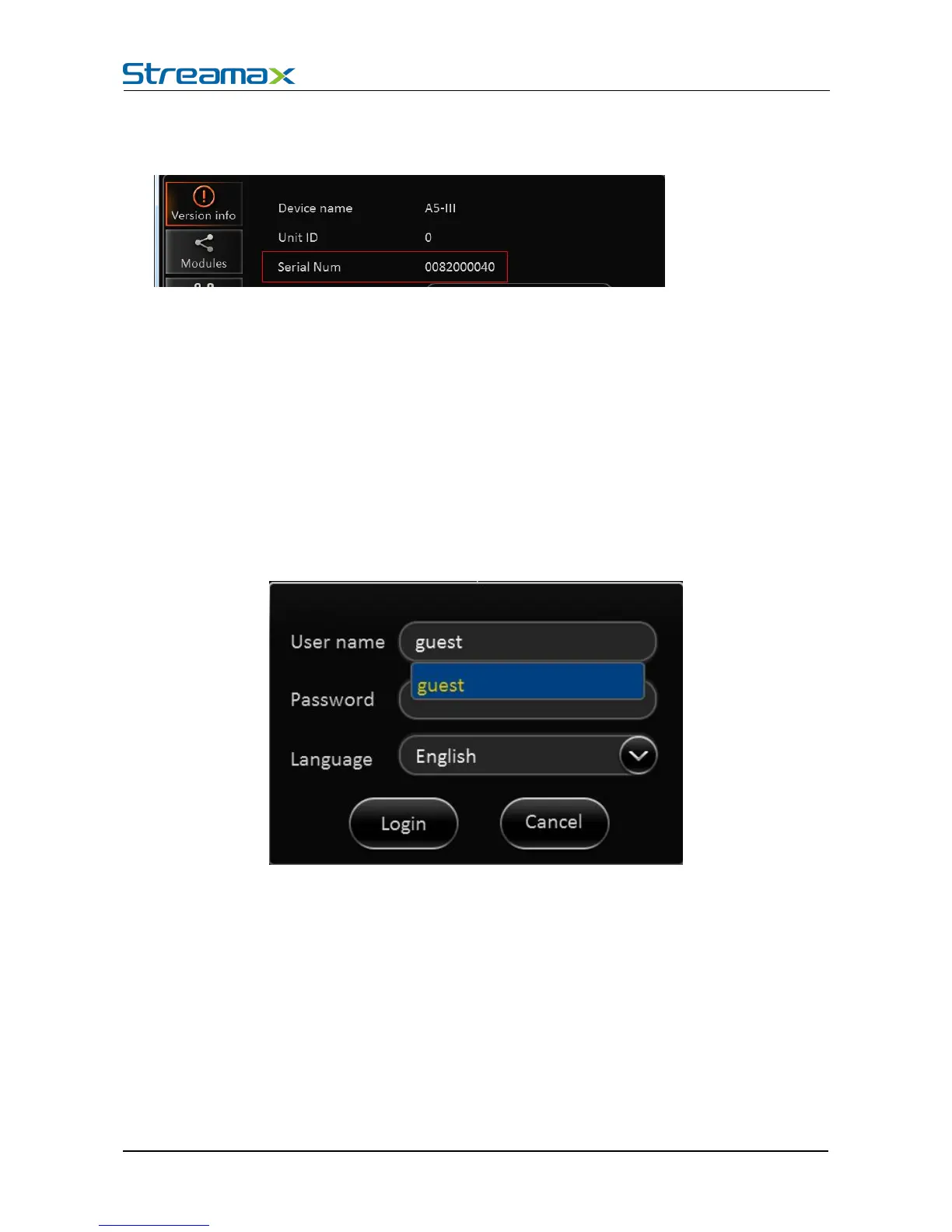
Remark:
When reporting to CMS server, use serial number.
When using Android pad, you need to select vehicle number, as when insert the wifi hot spot to USB port
of the 4120, the hot spot will get the vehicle number and change its SSID to vehicle number.
When operating the device, user needs to have permission certified.
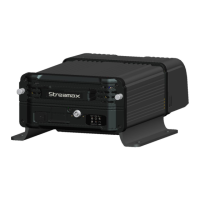
1) Press the remote control 【LOGIN / LOCK】or【SETUP】, the login screen will pop up.
2) Right click the mouse, the shortcut menu will pop up, left click login picture, login screen will pop up.
3) Left click on the login button to login and right click to log out
1) Software is automatically assigned by user name and password, it can be divided into user and
administrator privileges.
2) Password options can not be closed, but it can be set to null; when it is empty, user do not need to
enter the password to login。
Login interface Introduction:
1) Select users from the drop-down box. There are admin and user as defaults.
2) Currently, it can show two users and one admin.



 To Next Page